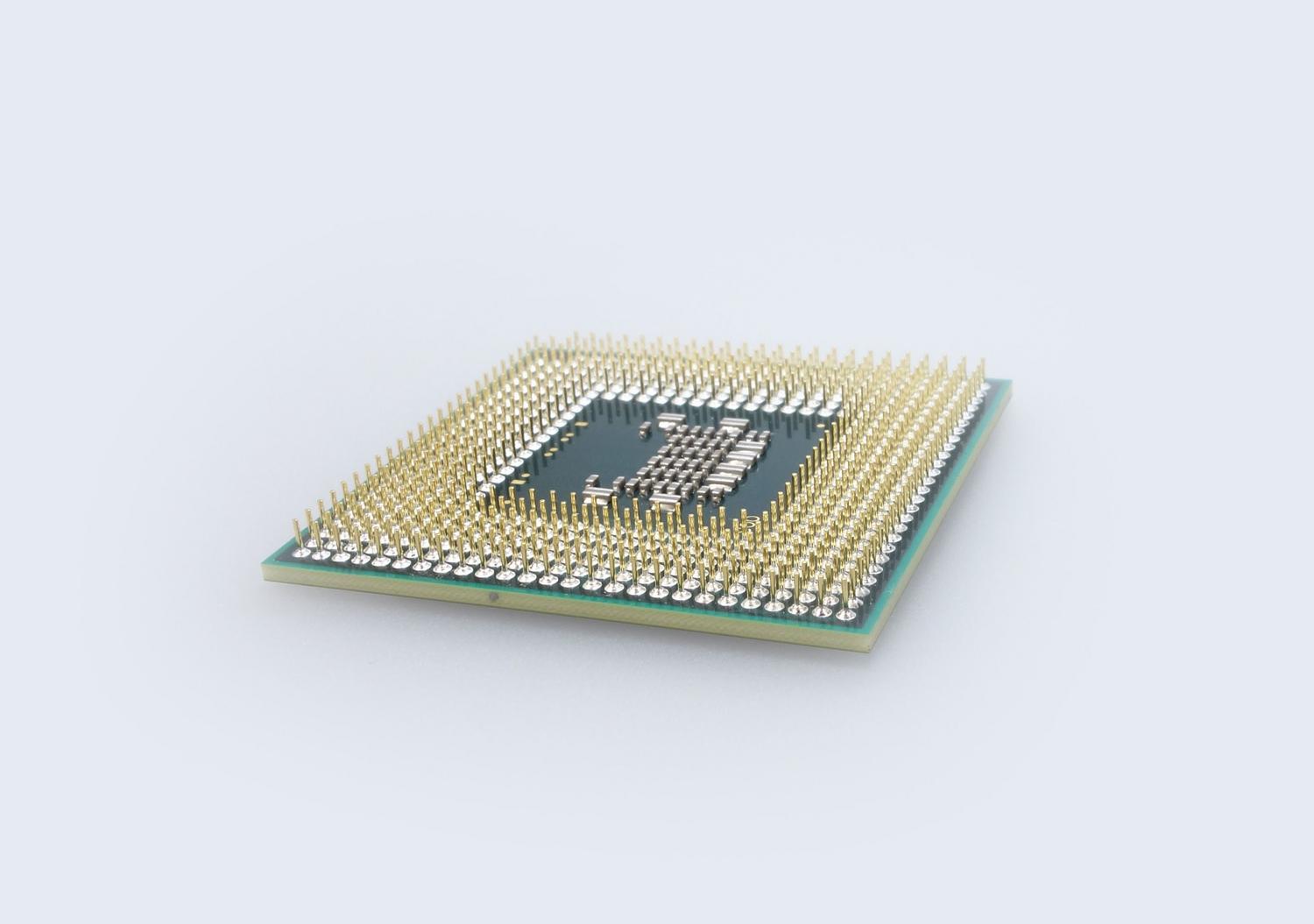
You've probably experienced this: when looking at processor specifications, you come across terms like L1, L2, or L3 cache and are left a little confused. At first glance, it seems like just another piece of technical data, but the truth is that this component is the best-kept secret for keeping your computer from feeling sluggish and ensuring applications run smoothly. Essentially, it's a tiny but incredibly fast memory located right next to the processing cores.
To put it simply, imagine the hard drive is a giant warehouse down the street and the RAM is a filing cabinet in your office. The cache, on the other hand, would be the surface of your desk : it's where you have what you need right now so you don't have to get up every few minutes. Without it, the processor would spend most of its time waiting for data, resulting in a computer that feels sluggish and laggy.
What exactly is cache memory?

Cache memory is a type of volatile memory, meaning it's erased when the PC is turned off. However, unlike conventional RAM (which is DRAM, or dynamic), cache memory uses SRAM (static) technology . This difference is crucial because SRAM doesn't need to constantly refresh its electrical charge, making it much faster, although also more expensive to manufacture and less space-dense.
The main purpose of the cache is to act as a buffer for the CPU . The processor is so fast that RAM, however fast it may be, sometimes can't keep up. This is where the cache comes in, storing the instructions that the system will need in the very short term. When the CPU finds the data it's looking for in the cache, it's called a cache hit ; if it's not there, a cache miss occurs , and the processor has to retrieve the information from RAM, wasting valuable time in the process.
The hierarchy of levels: L1, L2 and L3
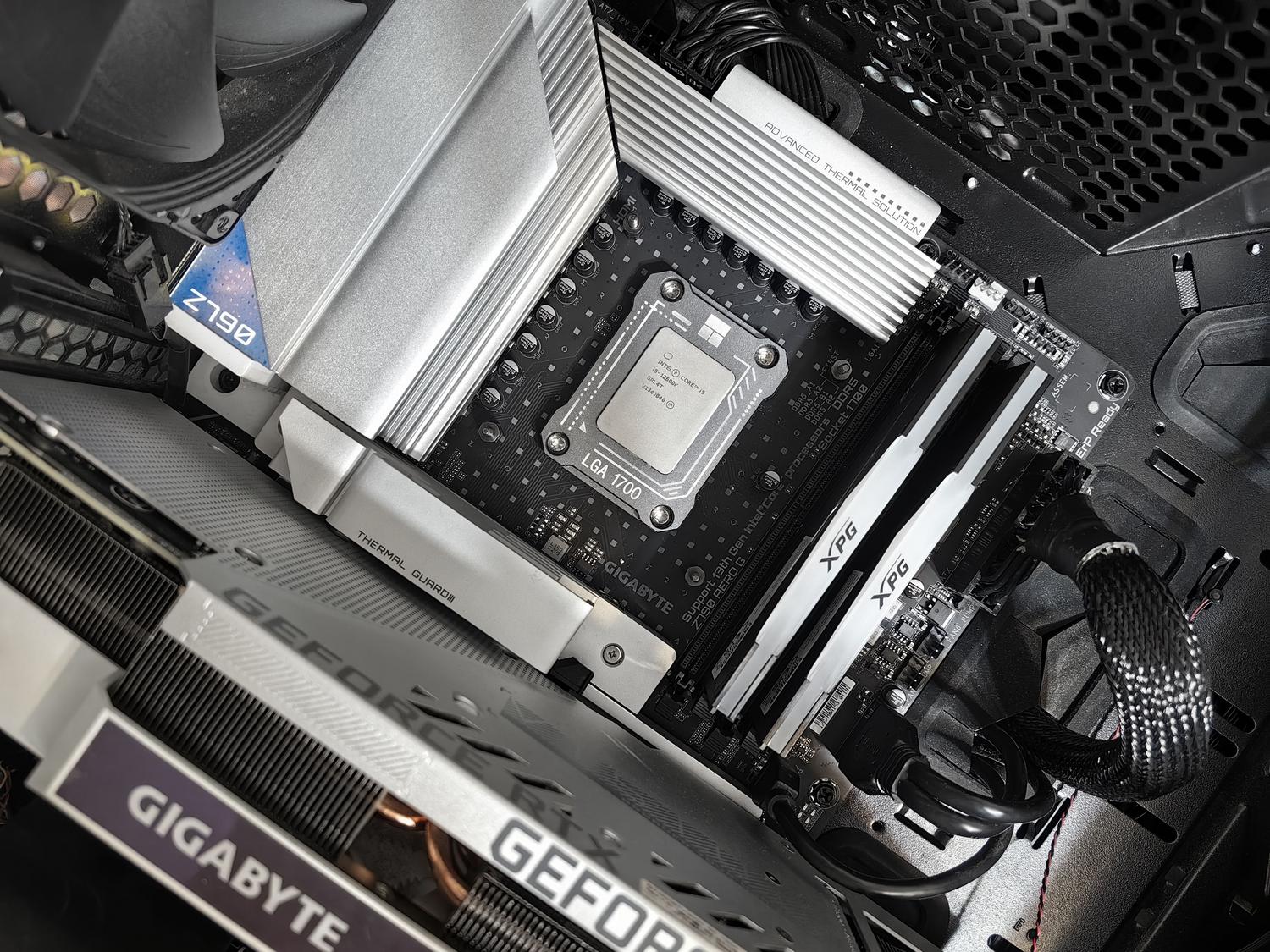
To optimize space and cost, engineers don't put all the memory in a single block, but instead create a hierarchy based on proximity to the core and speed.
- L1 cache: It's the crown jewel. It's attached to the core and is the fastest of all, with latencies that barely reach 1 nanosecond. It's so small that it's measured in kilobytes (KB). It's usually divided into two: one for data and another for instructionsensuring that the CPU does not freeze while it reads what it has to do and what data to work with.
- L2 cache: It acts as an immediate backup. It has more capacity than L1 cache, but is slightly slower. In modern processors, there is usually one. dedicated L2 unit per corebalancing response speed with more generous storage space.
- L3 cache: It's the largest and slowest of the three, although it's still a rocket compared to the RAM. Unlike the previous ones, the L3 is usually shared among all cores of the processor. This allows the cores to exchange information quickly without having to leave the silicon chip.
Some very specific processors include an L4 cache , which is not common. This is usually used to enhance integrated graphics (such as eDRAM in certain Intel models), acting as a bridge to improve visual bandwidth.
Real impact on performance and gaming
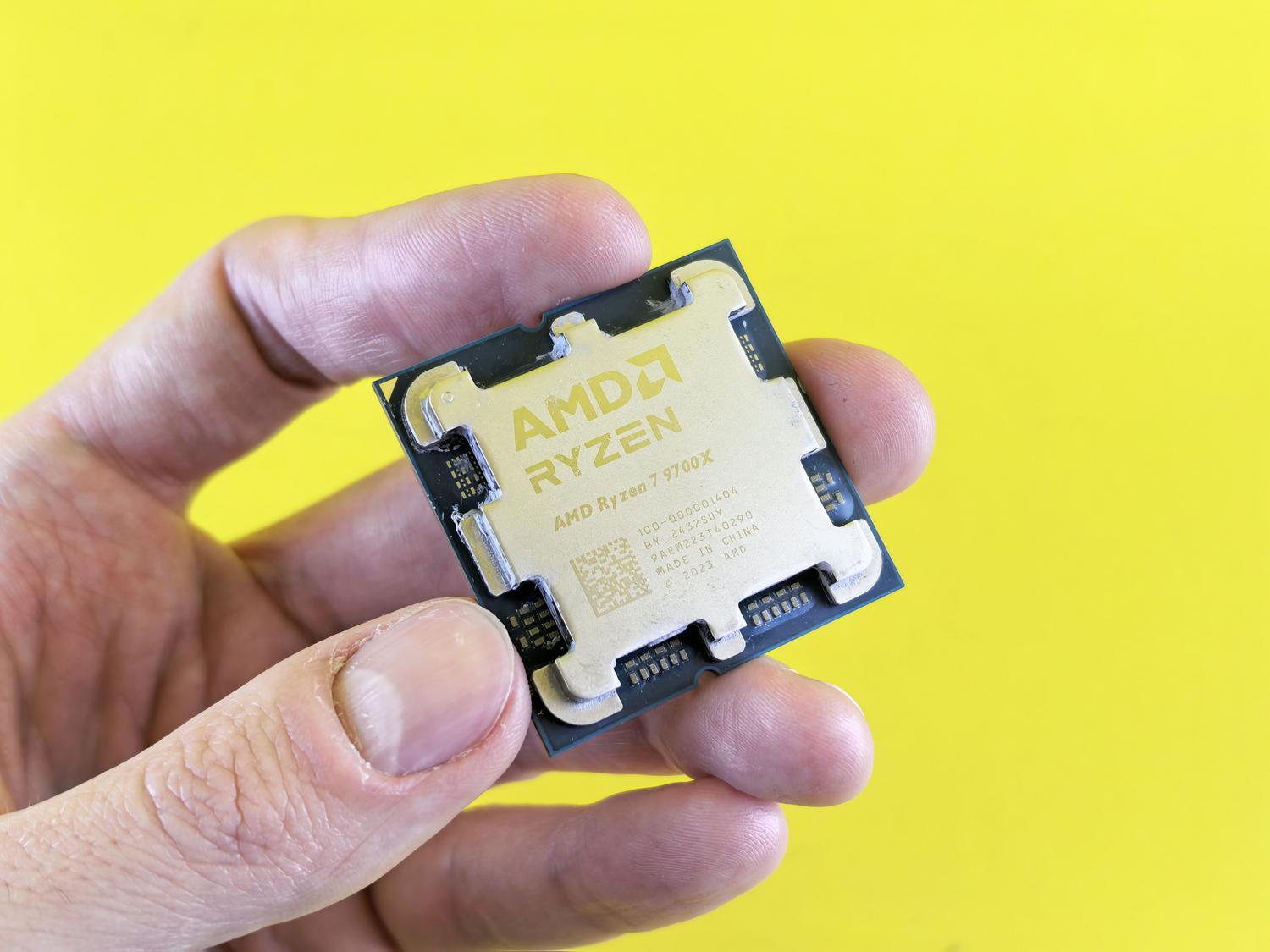
Many people think that adding more RAM is the solution to everything, but that's not the case. You can have 64 GB of RAM, but if your CPU has little cache, there will still be a bottleneck because the path to the RAM is longer and slower. Cache is what truly determines smoothness in everyday use and in demanding applications.
In the world of video games, the L3 cache is key. Games manage thousands of constant variables, such as object physics and enemy AI . If the processor can store all of this in the L3 cache, minimum FPS increases and those annoying micro-stutters disappear. A clear example is AMD's 3D V-Cache technology , which physically stacks L3 memory to offer massive capabilities, making the processor much more efficient in gaming even at a lower clock speed.
Relationship between latency, buses and architecture
A PC's speed isn't solely determined by GHz. Latency is the time it takes for data to reach the core. The further away the memory is, the higher the latency. Therefore, the chip's internal design is crucial. Intel typically uses monolithic architectures where the L3 cache is very fast, while AMD has evolved its chiplet designs to allow cores to access cache blocks efficiently.
Furthermore, the width of the data bus influences how much information can travel at once. Using dual-channel RAM helps to make the data flow to the cache smoother, preventing the memory controller from becoming overloaded when the processor is demanding data.
How it affects AI and Mini PCs
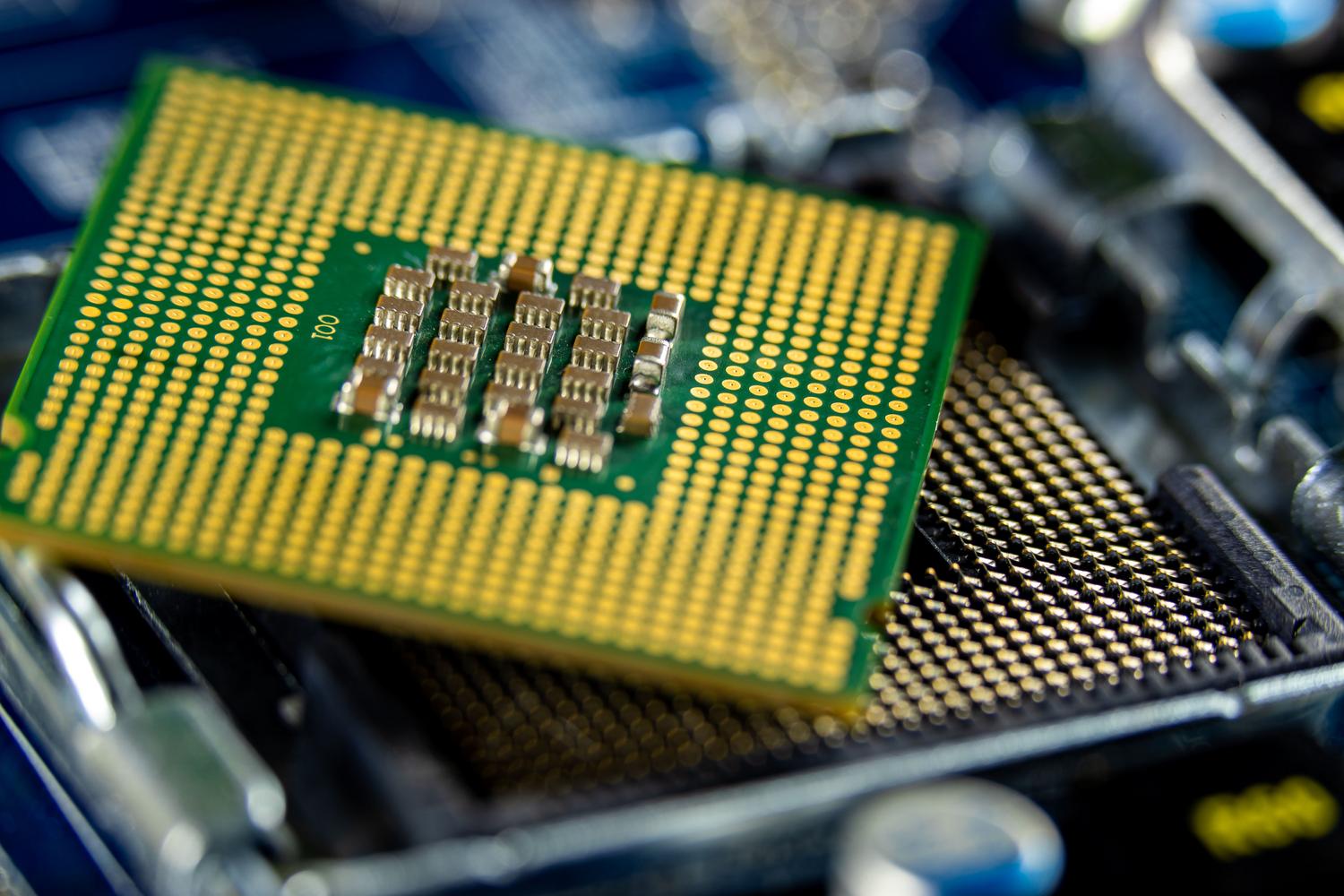
With the rise of local AI inference and video rendering, caching has become more critical than ever. These tasks process massive volumes of data repeatedly. A large cache allows the system to avoid reading the same instruction from RAM over and over, speeding up response times.
In the case of Mini PCs , cache memory is a blessing. With such limited space and strict thermal limits, constantly accessing RAM generates more heat and consumes more power. An efficient cache reduces the need for external communication, helping to keep the system cooler and quieter without sacrificing performance.
Cache memory is an invisible but vital component that defines a processor's agility, organized in tiers that prioritize extreme speed over capacity. While RAM provides the space to open dozens of programs, the cache is what allows those programs to run without delay, making it the key difference between a standard computer and one optimized for professional tasks or high-level gaming.
Table of Contents