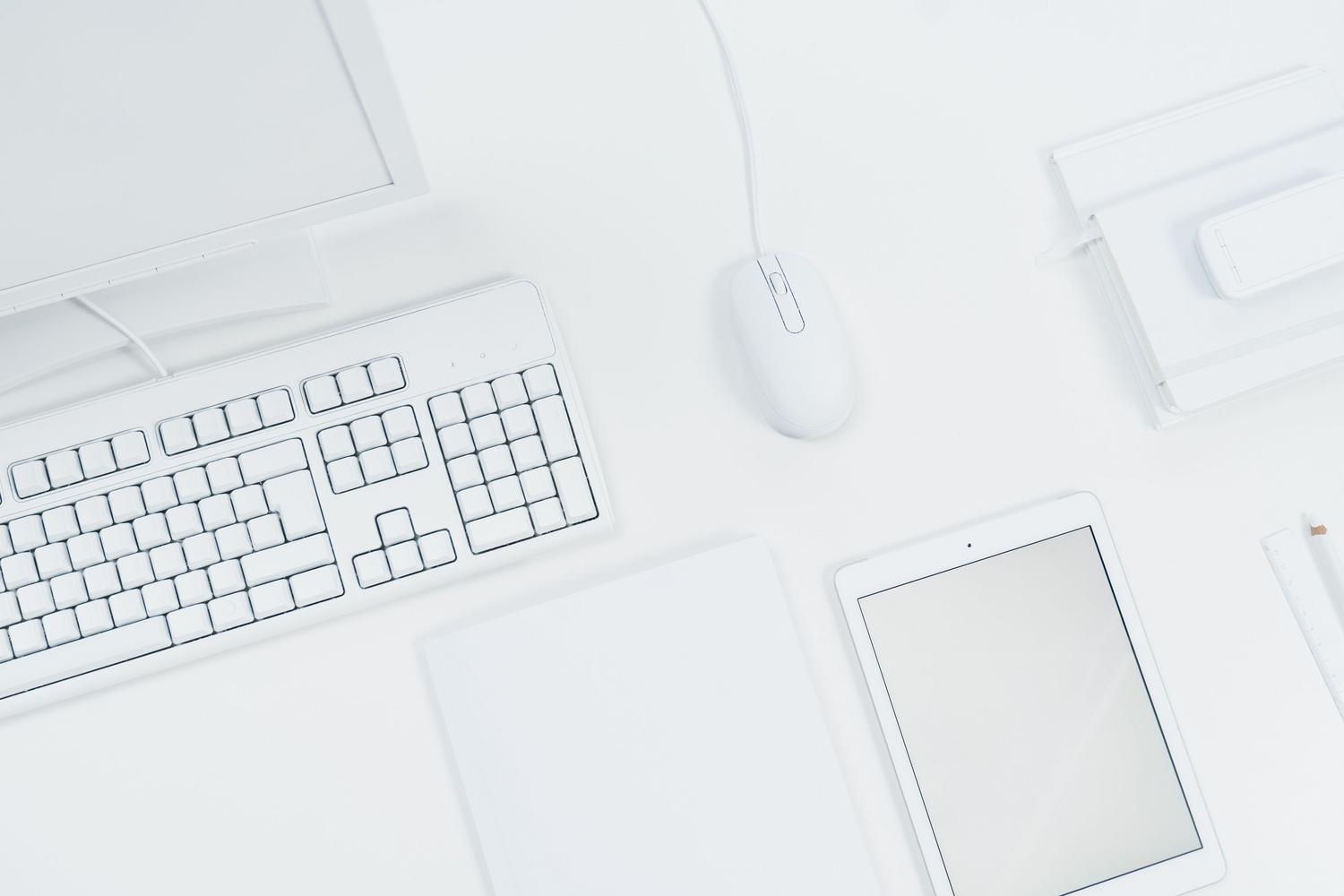
When we build a computer, we often focus on processor power or memory capacity, but the reality is that true interaction with the machine occurs through peripherals. These devices allow us to give commands to the computer and, in turn, receive the processed information, becoming the bridge between the user and the internal hardware.
Whether you're looking to set up an ergonomic workstation to avoid back pain or want a gaming setup that will help you win those crucial matches, choosing the right accessories can completely transform your productivity. It's not just about plugging in any old mouse or keyboard, but about understanding which technology best suits your daily routine so that your computer works for you, not the other way around.
What exactly is a peripheral device and what is it used for?
In simple terms, a peripheral is any piece of hardware that connects to the motherboard, either internally or externally, to add extra functionality to the system. They are not part of the central processing unit, but without them, the computer would essentially be a closed system with no practical use. To communicate with the system, these devices use various ports, with USB being the most common today, although audio, VGA, HDMI, or Ethernet connections still exist depending on the device.
Detailed classification of peripheral devices
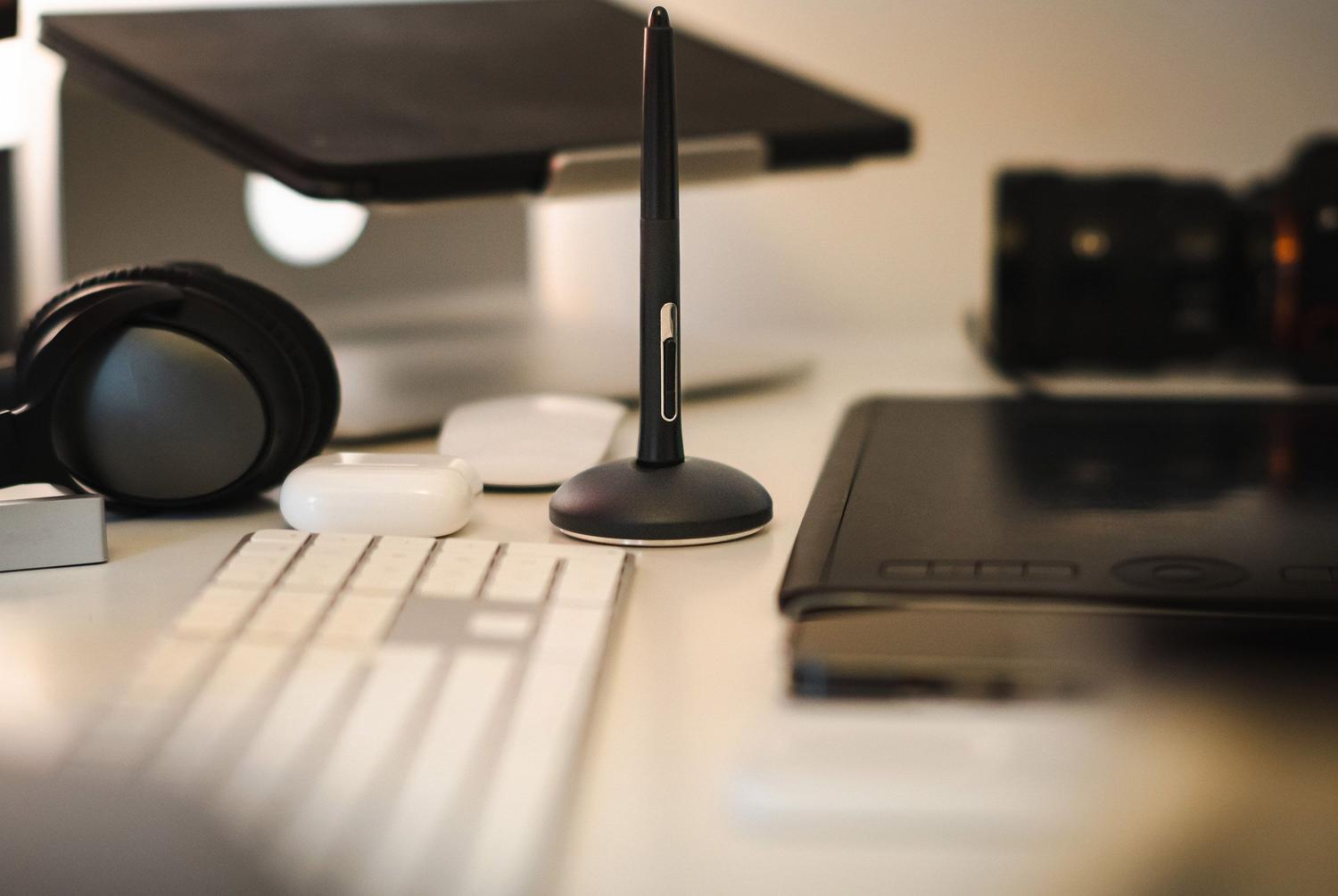
To avoid confusion, the easiest way is to divide peripherals according to the direction of the information they handle:
- Input Peripherals: These are the devices that send data into the PC. This includes the classics like the keyboard and mouse, but also the microphone for capturing audio or the scanner for digitizing documents.
- Output Peripherals: They do the opposite; they extract information from the system so that we can see or hear it. The clearest examples are monitors, speakers, and printers.
- Mixed or Input/Output Peripherals: These are the most versatile, as they can do both. A touchscreen, for example, displays the image (output) and receives our fingers (input). The same applies to virtual reality headsets or multifunction printers.
- Storage Peripherals: Their function is to store information permanently or temporarily. This includes SSD drives, traditional HDDs, USB flash drives, and older CDs or DVDs.
- Communication Peripherals: They are responsible for enabling two or more machines to communicate with each other, such as network cards, modems, or USB hubs.
In-depth analysis of input devices
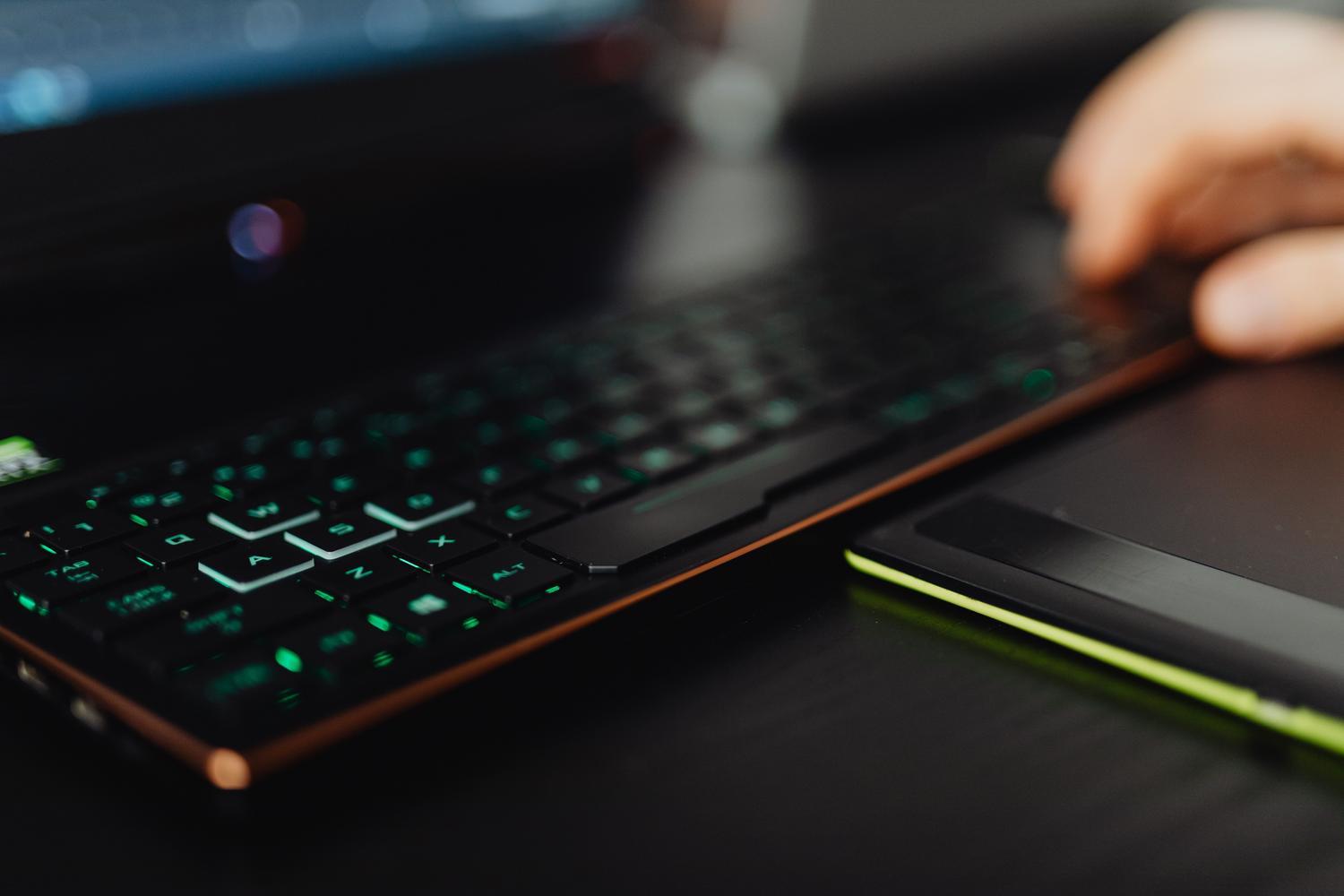
The keyboard remains king for typing, maintaining the QWERTY layout inherited from typewriters. It's typically divided into the function keys (F1-F12), the alphanumeric area, the control keys, and the numeric keypad. On the other hand, we have the scanner , which converts physical images into digital ones, ideally with a resolution of at least 150 dpi, although professionals use 600 dpi or more to avoid losing detail.
For video calls, the webcam has become indispensable, allowing real-time audio and video transmission through platforms like Zoom or Teams. Regarding audio, the microphone captures sound waves and converts them into electrical signals, which a sound card then transforms into digital data. Depending on their design, microphones can be condenser, piezoelectric, or magnetodynamic.
For artists, the graphics tablet is the ultimate tool, replacing paper and pencil with a digital surface and stylus, allowing for a much more natural drawing experience. In the world of mobile devices, we have advanced sensors: GPS for satellite navigation, an accelerometer to measure movement and gravity, a gyroscope to detect precise orientation, and a magnetometer , which functions as a digital compass by detecting the Earth's magnetic field.
Output devices and the sensory experience
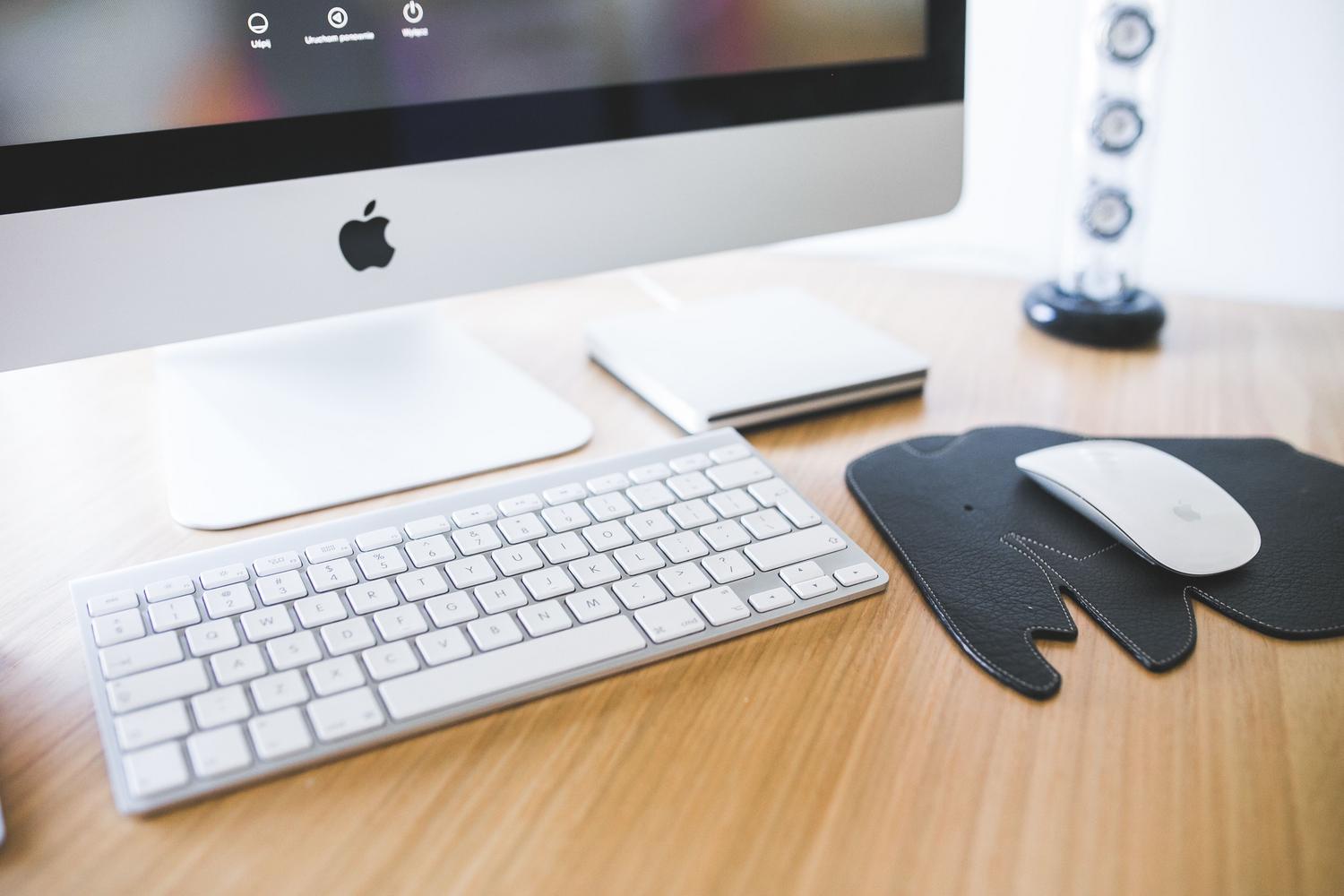
Information is primarily output from the PC via the screen, but there are other options. A video projector is ideal for auditoriums, projecting images onto large surfaces. For paper, a printer is the best choice, whether using laser, inkjet, or thermal technology for tickets.
Regarding sound, speakers are usually paired with an amplifier to provide power, and can be simple stereo systems or 5.1 surround sound systems. For audiophiles, there's the DAC (digital-to-analog converter), which offers much higher sound fidelity than a basic sound card. We also have more discreet elements like LEDs , which indicate whether the hard drive is working or if the PC is on, and the vibration motor in mobile phones for silent alerts.
We cannot forget accessibility; the Braille display is a fundamental tool that allows visually impaired people to read text using tactile dots. Finally, virtual reality immerses us in digital worlds through headsets that combine screens very close to the eyes with motion sensors and surround sound, creating the illusion of being in the metaverse.
The heart of sound: The sound card
This component is a bidirectional translator. When sound enters through a microphone, it uses an ADC (analog-to-digital converter) so the PC can process it. When we want to listen to music, the process is reversed, using a DAC so the speakers emit sound waves that our ears can perceive.
Having the right equipment isn't a luxury, but an investment in health and efficiency. An ergonomic mouse or a mechanical keyboard with optimized tactile feedback can prevent repetitive strain injuries and make long hours in front of a screen much more comfortable, whether for a student looking for something affordable or a professional who demands absolute precision.
The diversity of available hardware allows anyone to configure their workspace according to their needs, combining everything from fingerprint sensors for security to flash memory for data transfer. Ultimately, the combination of a good selection of input, output, storage, and communication peripherals is what determines the actual usability of any modern computer system.
Table of Contents