
If you're looking for ways to manage image streaming from various sources, you've probably realized that the world of multi-protocol camera streaming is a real labyrinth. It's not just a matter of setting up a camera and calling it a day; it's about getting equipment from different brands and technologies to communicate with each other so you can see everything on a single screen without the system crashing.
The key here is versatility, since today we need solutions that allow everything from simple remote viewing to professional surveillance setups or global public broadcasts. To achieve this, it's essential to master communication protocols and know how to leverage hardware to ensure video quality isn't compromised while optimizing network bandwidth.

Advanced flow management and the challenge of multicast
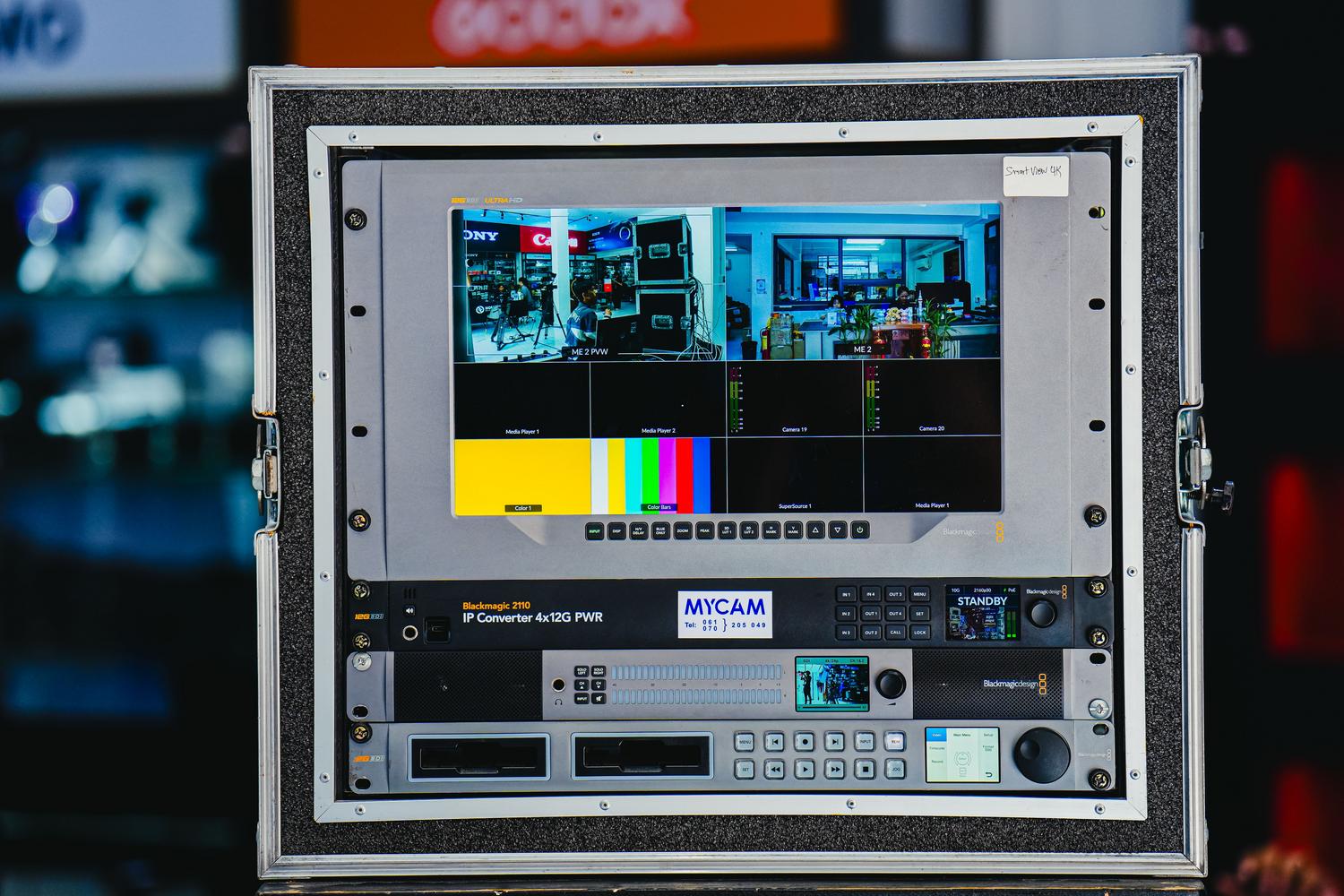
When working with specialized hardware, it's common to encounter physical limitations; for example, some devices only support a handful of simultaneous RTSP unicast streams . To overcome this limitation and prevent the camera from becoming overloaded, the solution is to implement multicast . Essentially, this allows the camera to send a single data stream that can then be received by multiple clients, thus reducing the load on the device's processor.
To get this up and running, you need to configure specific parameters in the network menu, defining a multicast IP address (within the range 224.1.1.1 to 239.255.255.255) and a video port. It's important to note that transmission doesn't start automatically; the device waits for a client to establish an RTSP session using a specific URL before initiating data transmission.
There are two main ways to manage this process. The first involves creating multiple RTSP sessions , where each request initiates a separate session, but all share the same multicast IP address. The second option is more technical: a single session is created, and then .sdp (Session Description Protocol) files are used . These files tell the player, such as VLC, exactly where to find the video, which codec is being used (such as H.264), and the resolution, allowing for direct playback without further interference to the camera.
High-end equipment and Dual Streaming capabilities
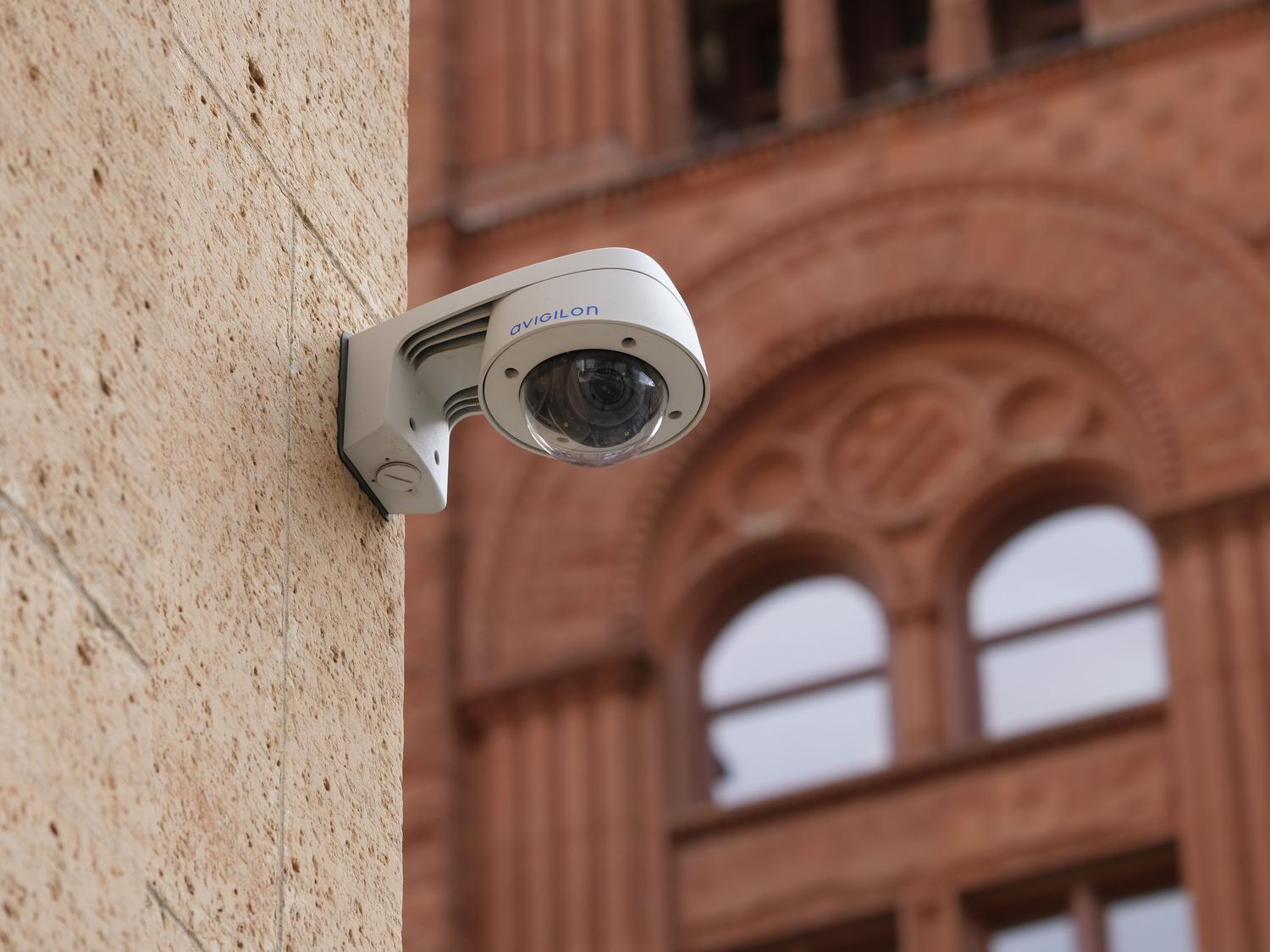
Robust solutions exist on the market, such as IP cameras with Sony Super HAD sensors, which stand out for their Dual Streaming capability . This is fantastic because it allows, for example, recording high-quality video using the H.264 format while simultaneously sending a lighter MJPEG signal so that we can view the images online without interruption.
- Resolution and Optics: Equipment that reaches 540 TV lines and allows changing the lens for a varifocal one according to the framing needs.
- Night vision: Ability to operate in extremely low light conditions, reaching levels of 0.002 lux in black and white mode.
- Interconnectivity: Support for PTZ control protocols compatible with brands such as Pelco, Sony or Panasonic, facilitating camera movement.
- Smart Alerts: Systems with integrated motion detection and the ability to send notifications via SMTP or FTP.
In addition to video, these professional tools integrate two-way audio , meaning you can listen and speak through the device in real time. For those seeking centralized management, software is available that allows you to expand the number of cameras from a small group to hundreds of devices through a single interface, converting recordings to universal formats like AVI so anyone can edit them.
Global exploration and monitoring of public networks
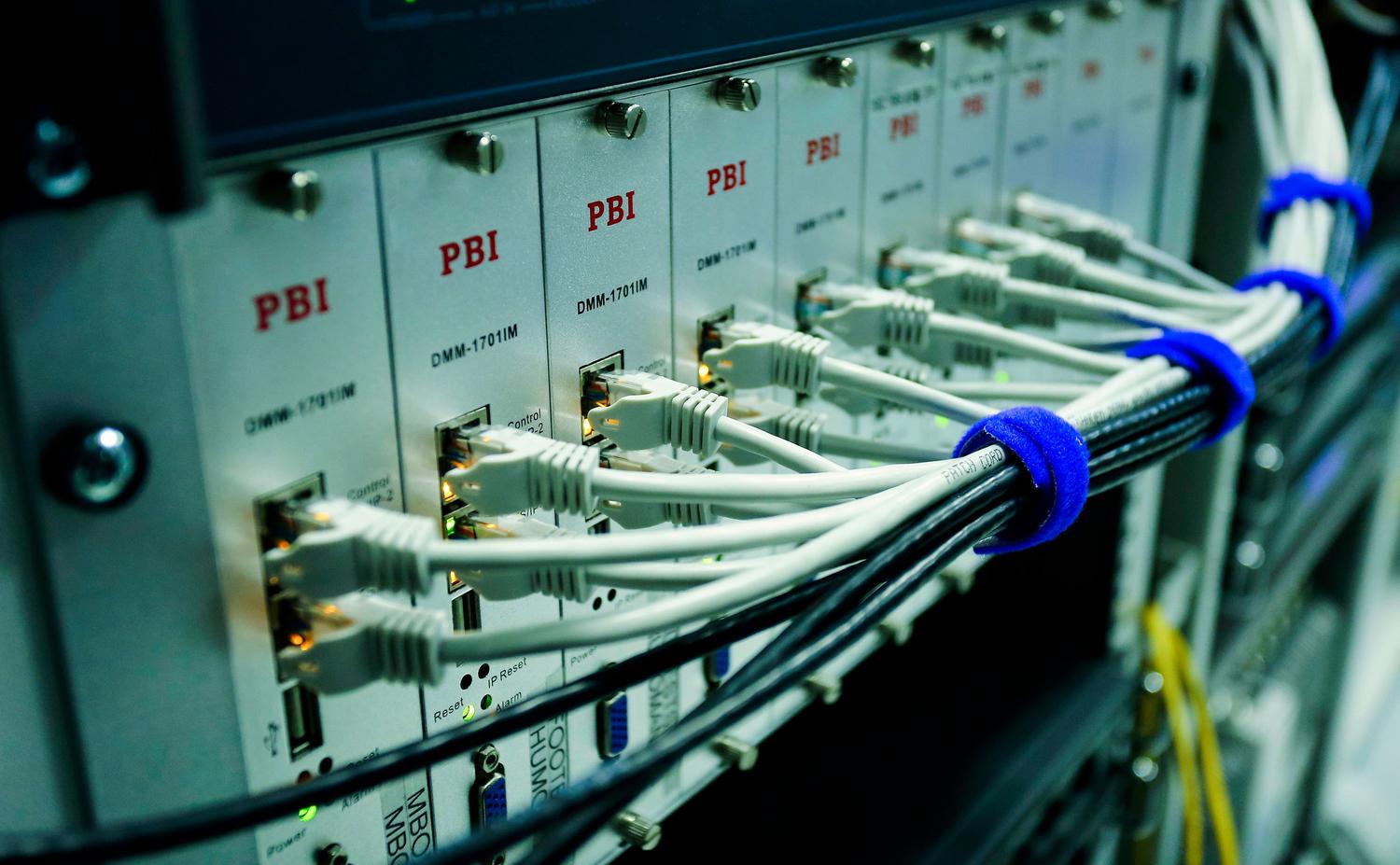
Beyond private security, multiprotocol streaming has enabled the creation of public camera viewing platforms . These applications function as a hub that collects RTSP, HTTP, and open directory feeds from around the world, allowing us to take virtual tours of cities like Tokyo or New York from the comfort of our couches.
These systems optimize the user experience by using low-latency streaming , avoiding annoying buffering even at 4K resolutions. A very useful feature is the multi-camera grid view , which allows monitoring of various geographic points or different angles of the same urban area simultaneously, integrating Pan-Tilt-Zoom (PTZ) controls when the remote camera supports it.
Security and privacy are cornerstones of these networks; while public cameras are open by design, private streams are only integrated at the owner's request. To enjoy this image quality, especially in ultra HD , the use of next-generation wireless connectivity or high-speed Wi-Fi is recommended, ensuring that the constant data flow does not interrupt the viewing experience.

Mastering video transmission involves balancing image quality with network efficiency, using protocols like RTSP and Multicast to scale the display. Whether deploying professional hardware with dual data streams for critical surveillance or using global IP camera viewers, the ability to integrate various protocols ensures flexible, secure, and efficient management of real-time surveillance and streaming.

Table of Contents