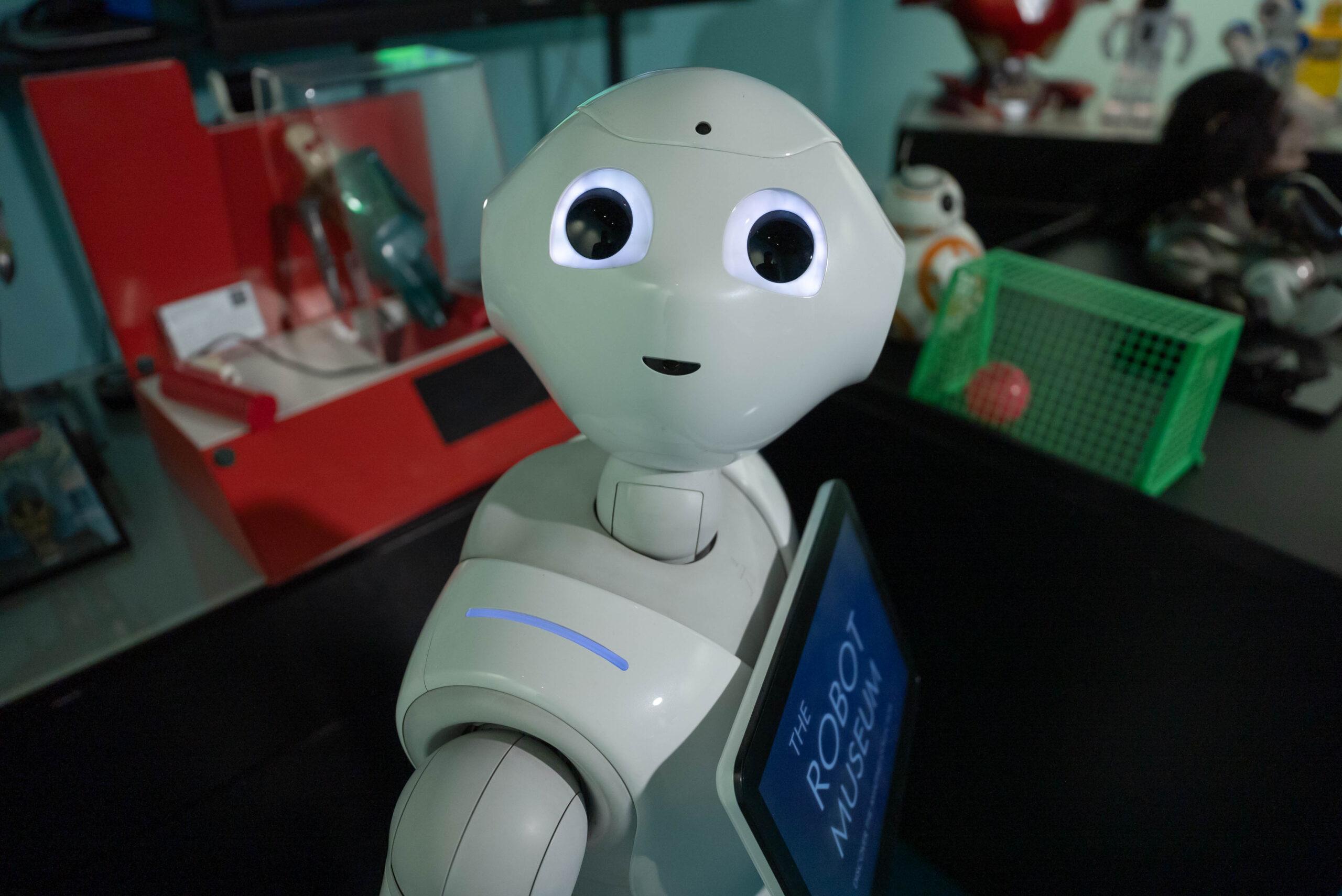
Delving into the world of robotics is like opening a door to a universe where electronics, hardware, and code come together to create machines capable of interacting with their environment. It's not simply about writing lines of instructions, but about designing reaction rules that allow a circuit to respond intelligently and precisely to the stimuli it receives.
From the first steps with simple circuit boards to the implementation of complex industrial systems, the learning process is fascinating. In this sense, understanding how to manage workflow and timing is what separates an amateur from someone who truly masters the control of a physical system, preventing the robot from becoming "frozen" while waiting for time to pass.
The timing dilemma in Arduino: delay() versus millis()
When someone starts programming in Arduino, the first thing they usually use is the `delay()` function. It's very intuitive: you tell the program to pause for a few milliseconds and that's it. However, this tool is what we call a blocking function , since it completely halts the execution of the code.
The real problem arises when we want the robot to do several things at once. If the program is stuck in a `delay()` function, the board becomes "blind": it doesn't read sensors or detect button presses. In a real robotics project, this small oversight can cause the system to fail to react to an obstacle in time, which can be catastrophic.
To solve this, the `millis()` function comes into play, a great non-blocking alternative. Instead of stopping the clock, `millis()` tells us how much time has passed since the board was turned on. The logic changes completely: the program doesn't stop, but constantly checks if the necessary interval has elapsed to execute an action.
This approach allows for a much more organic coexistence of tasks . We can, for example, keep an LED blinking to indicate that the system is active and, at the same time, monitor for a button press that activates a temporary output. Everything happens in real time, without one task hindering the execution of another, enabling the system to sustain multiple operating conditions simultaneously.
Vocational training in Automatic Control and Robotics
As we progress to more advanced levels, robotics ceases to be a hobby and becomes a serious engineering discipline. This is where Control Theory becomes central, requiring a solid foundation in physics, mathematics, kinematics, and dynamics to plan machine movements.
Today's most advanced university programs focus on tools such as vision control and predictive control . These techniques are vital for the development of autonomous ground and air vehicles, where pinpoint accuracy and anticipation are key to operational success.
Learning methodologies have evolved towards Problem-Based Learning (PBL) and Relearning. This means that professionals not only study theory but also engage with simulated environments and real-world cases, enabling them to acquire immersive training that reduces tedious study time and enhances immediate practical application.
Industrial Robotics and the Age of Cobots
In the manufacturing sector, industrial robotics focuses on high-precision tasks such as palletizing, welding, and assembly. To master this field, it is essential to understand coordinate systems and robot kinematics , regardless of the brand or specific programming language used, such as ABB's Rapid language.
A disruptive development in this field is the arrival of cobots, or collaborative robots . Unlike traditional industrial robots, which require experts for even the smallest modifications, cobots aim to eliminate the barriers to automation through simpler and safer interfaces.
Platforms like the Universal Robots Academy allow anyone to learn how to configure end effectors and manage inputs and outputs through interactive simulations. This democratizes access to technology, making training available in multiple languages and without requiring the physical machinery to be present.
Introduction to robotics for children and computational thinking
Robotics in childhood is not just about assembling pieces, but a pedagogical tool for developing logical and critical thinking . By dividing the discipline into theoretical robotics (digital/AI) and practical robotics (mechanical/control), young children can begin to understand how sensors receive data to perform specific actions.
There are several platforms designed to introduce students to computing without frustration. Tools like Pictoblox , Scratch, and mBlock allow users to create stories and games using blocks, facilitating the learning of loops and conditionals before moving on to text-based code.
- For the youngest children (3-7 years): Robots like Bee-Bot, Cubetto (based on Montessori) or Code-a-Pillar are ideal for working on sequencing without screens.
- Intermediate stage (8-10 years): Kits like mBot or Lego WeDo introduce the use of sensors and the construction of more complex structures.
- Advanced youth level: Lego Mindstorms EV3 allows you to create robots with powerful processors, WiFi, and a huge variety of parts for ambitious projects.
Using these devices in the classroom fosters teamwork and leadership , sparking genuine curiosity for STEM. From the Code and Go mouse to the versatility of Dash, the goal is for programming to be perceived as a playful and creative experience , preparing new generations for the technological challenges of tomorrow.
Whether we're talking about optimizing Arduino code to avoid blockages, implementing predictive control systems in industry, or teaching a child to program their first robot, the core is the same: the ability to manage the interaction between software and the physical world to create efficient and autonomous solutions.

Table of Contents