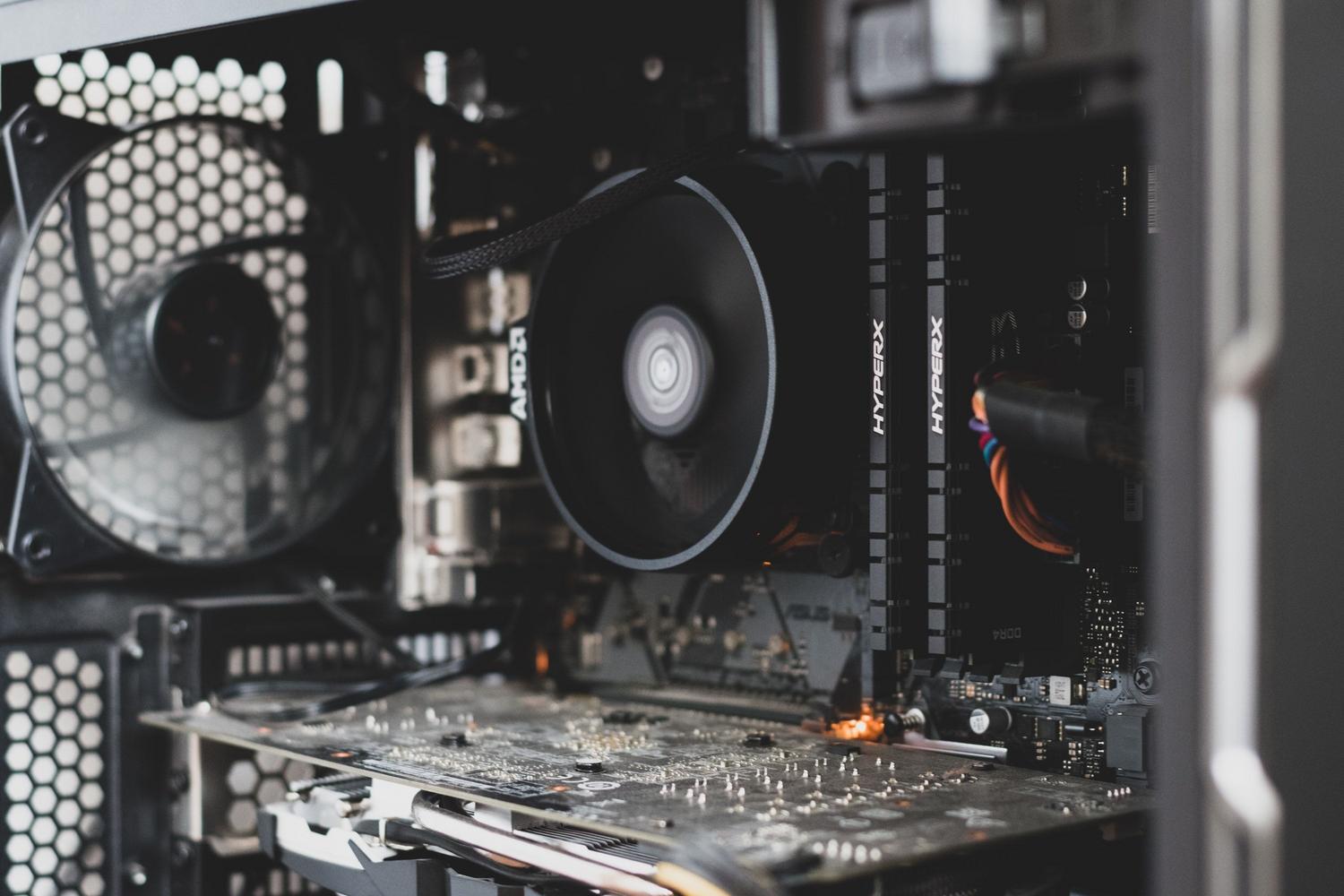
Have you ever felt like your computer is lacking and been tempted to upgrade the hardware to make it perform better? It's super common, but be careful, wanting to innovate doesn't mean just throwing together random parts. The key to a high-performance machine is maintaining a perfect balance between components , since not everything is compatible with everything else.
To avoid any surprises when assembling your setup, it's vital to understand that each component has its own specific requirements regarding dimensions, power consumption, and compatibility . Manufacturers provide all this information on their websites, but if you're new to this hobby, don't worry, we're going to break it all down so you can become an expert without spending a penny.
The fundamental pillars of your team
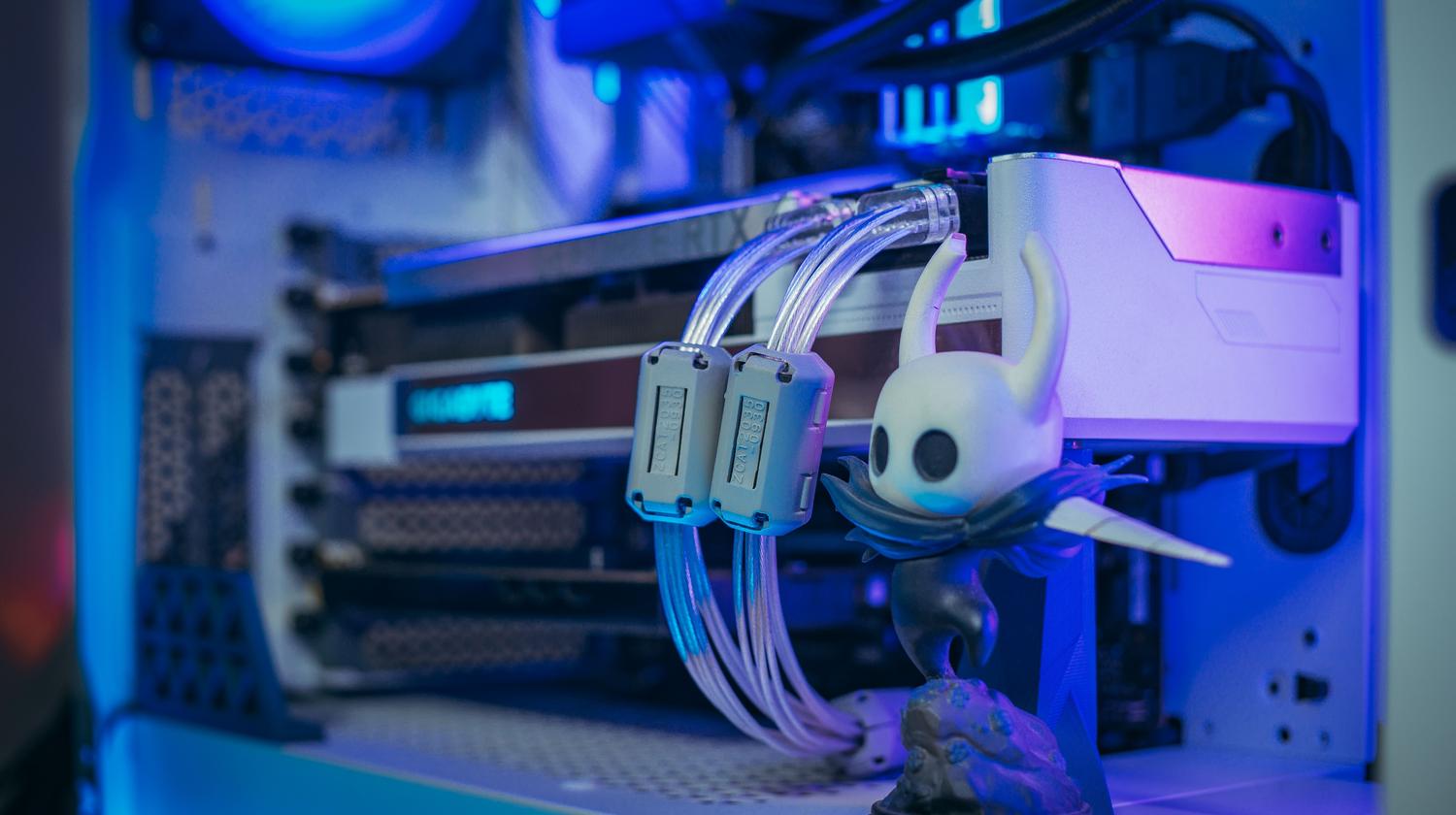
- The Processor (CPU): It's the brain that processes everything. Its power depends on the cores and threads (multitasking capability) and GHz, which indicate processing speed.
- The Motherboard: The communications hub. It regulates voltage, allows BIOS configuration, and comes in various sizes such as ATX, micro-ATX or mini-ITX.
- RAM Memory: It acts as an ultra-fast bridge between storage and the CPU. Its capacity and MHz are measured, and it comes in various formats. DIMM for desktops and SODIMM for laptops.
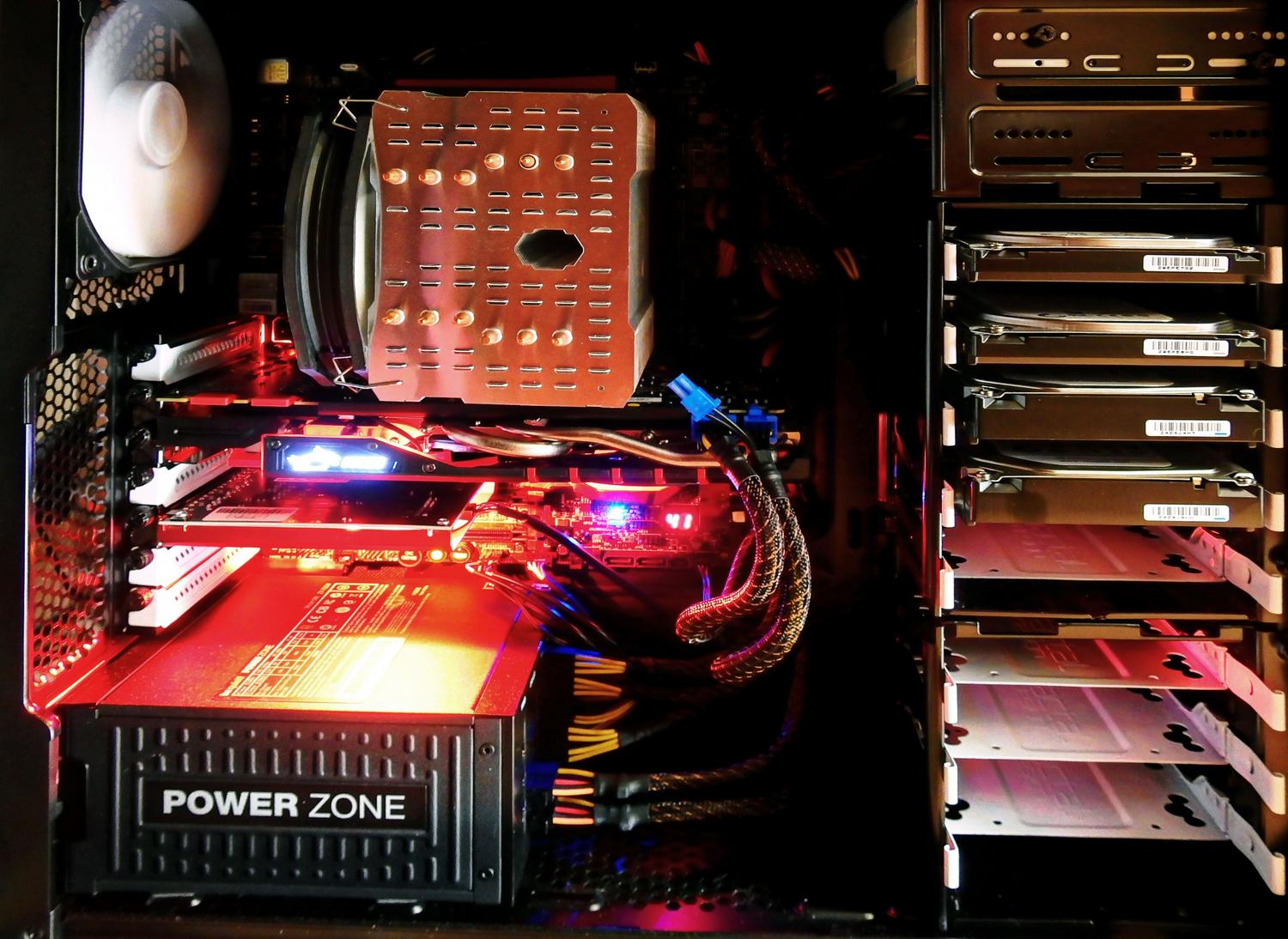
- Power Supply Unit (PSU): It converts alternating current to direct current. It is essential that it has a 80 Plus certification to ensure that the voltage is stable and doesn't fry your parts.
- Storage (HDD/SSD): Where the Operating System resides. While HDDs are mechanical, the NVMe or M.2 SSD They are infinitely faster.

Deep Anatomy of the Processor
At a microscopic level, the CPU is a square of silicon where semiconductor transistors are the true protagonists. These tiny switches create the binary language of zeros and ones. Historically, we went from giant vacuum tubes to the x86 architecture we use today, allowing Intel and AMD to miniaturize processing power.
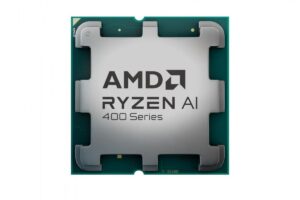
Physically, a modern processor has several layers. The socket is where it's attached to the motherboard (LGA, PGA, or BGA depending on the pin configuration). The die , the actual chip where the magic happens, sits on the substrate. To prevent the die from melting, the IHS (Integrated Heat Spreader) is placed on top —a copper or aluminum sheet that transfers heat to the heatsink. Enthusiasts sometimes perform delidding , which involves removing this sheet and applying liquid metal to further reduce temperatures.
Internal architecture and data flow
Almost all modern hardware follows the Von Neumann architecture , dividing the computer into memory, CPU, input/output units, and buses. Within the die, each core has its own Control Unit (CU) that coordinates traffic, and an Arithmetic Logic Unit (ALU) that performs basic mathematical calculations.
For demanding tasks, such as 3D rendering, the FPU (Floating Point Unit) comes into play . Additionally, to avoid constantly accessing RAM (which is slow compared to the CPU), the processor uses cache memory . This is divided into L1 (ultra-fast and small), L2, and L3 (slower but larger) , optimizing access to frequently used data.
Communication and speed: Buses and Overclocking
Information travels through data, address, and control buses . While the data bus moves the information, the address bus tells the RAM exactly where to look. AMD uses technologies like HyperTransport to speed up this exchange. To increase speed, there are multipliers ; if the multiplier is unlocked, you can overclock to squeeze out more MHz than the factory settings.
Many modern processors include an integrated GPU, or IGP , becoming what AMD calls an APU (Accelerated Processing Unit) . This allows for displaying images and playing simple games without the need for a dedicated graphics card, although they obviously lack the power of an external PCIe GPU.
Energy and temperatures under control
It's no use having a powerful processor if the PC shuts down due to overheating or insufficient power. Power supply efficiency is measured in levels: from 80 Plus White to Titanium . The higher the certification, the less energy is wasted as heat and the more efficient the electrical conversion.
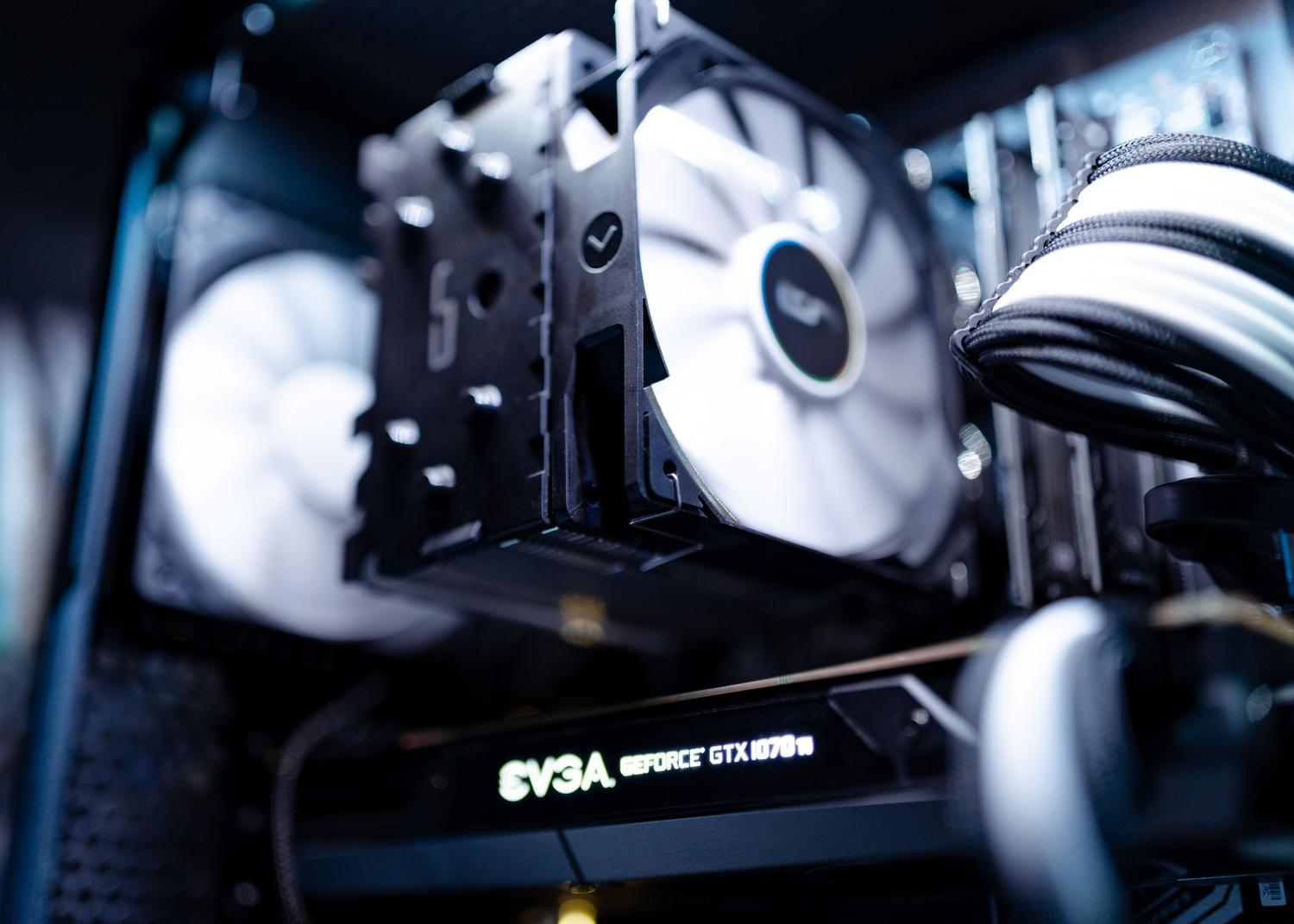
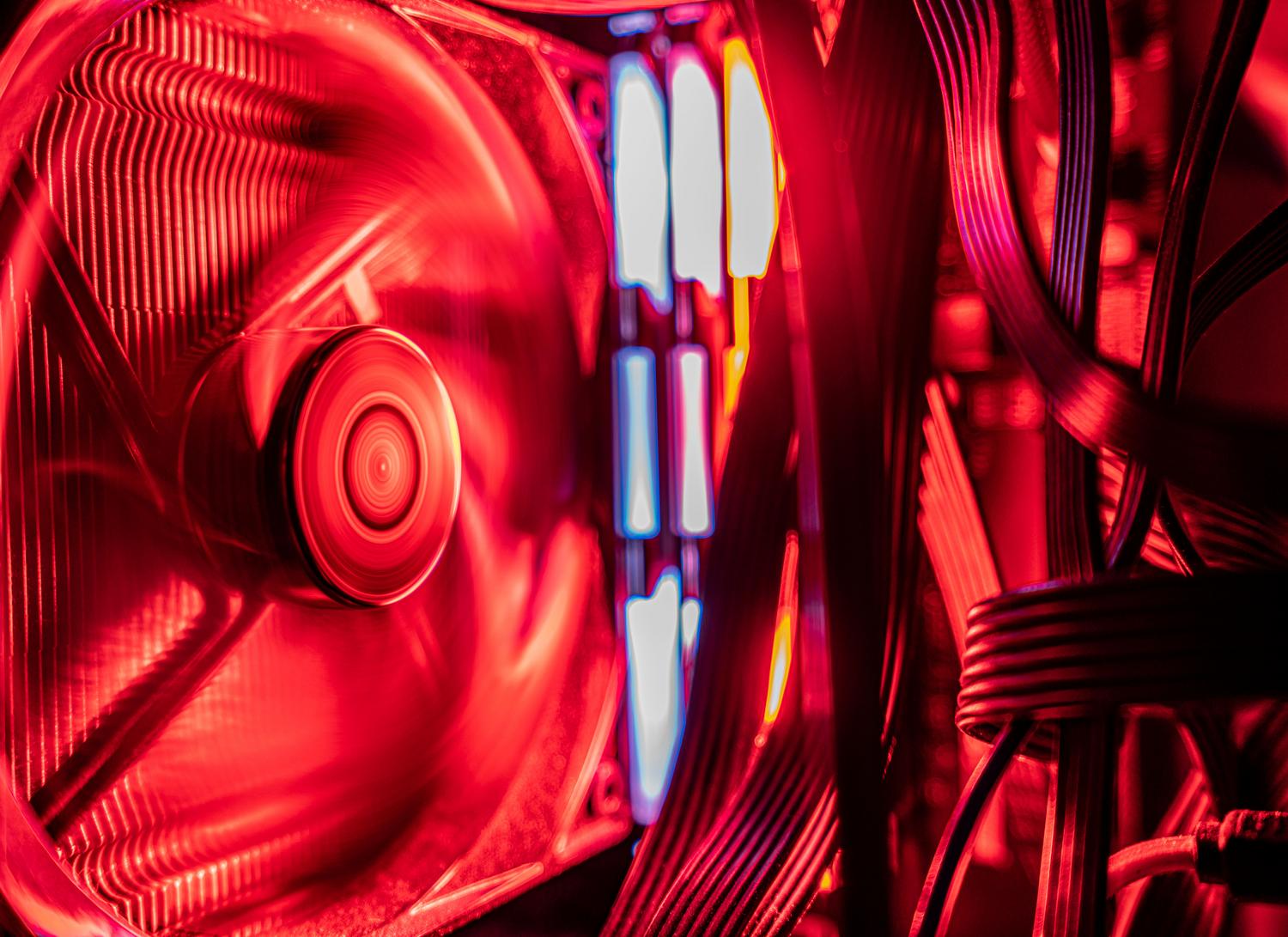
Regarding heat, we have two options. Passive cooling uses the chassis vents, but for gaming PCs, active cooling is essential . Fans (fan coolers) must be properly oriented to avoid uneven pressure and dust buildup. For the most demanding users, liquid cooling pumps are the best option, although they require more rigorous maintenance to prevent leaks that could ruin the entire hardware.
The final performance of an AMD system also depends on the Turbo frequency , which is the maximum speed a core can reach in short bursts. This value isn't fixed, as it varies depending on the quality of the thermal paste , the motherboard's BIOS, and the cooling system used. Ultimately, building a PC is a matter of assembling components where socket compatibility, energy efficiency, and good thermal management determine whether you'll have a well-balanced machine or a constant stability problem.

Table of Contents