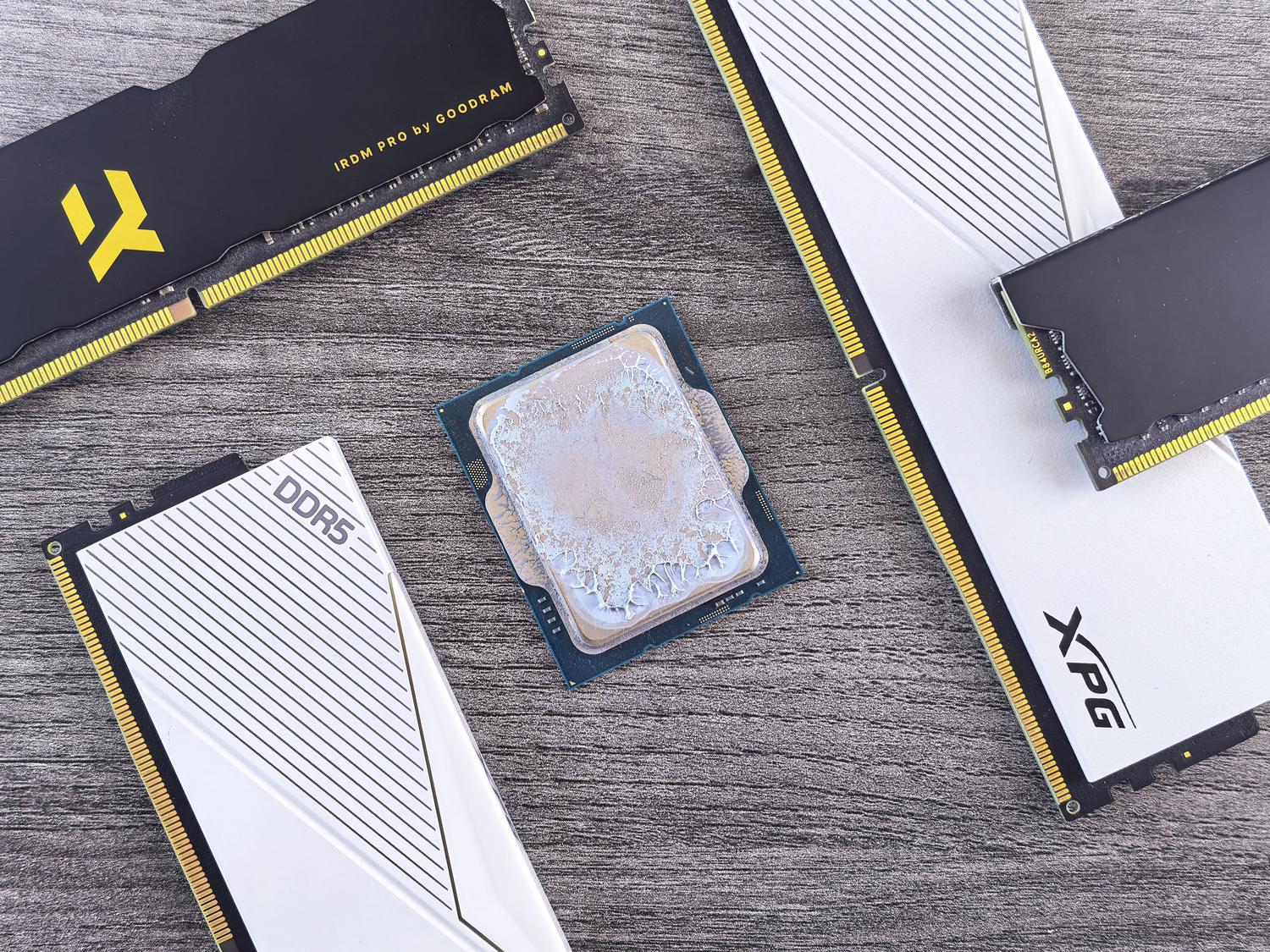
I'm sure it's happened to you: you open a program and your computer seems like it's going to freeze, or you notice that games aren't running as smoothly as they used to. You don't need to spend a fortune on a new machine every two years, because upgrading key components can make your computer feel brand new.
Whether you're looking for maximum productivity at work or want to play the latest games without lag, there are several ways to optimize overall performance . From simple software tweaks to configuring hardware components on your PC to major hardware upgrades, here's everything you need to keep your PC running smoothly.
Software and driver maintenance
Before you start tinkering with the hardware, the first thing to do is make sure your computer's operating system is up to date. Keeping Windows Update configured is crucial, as Microsoft constantly releases security patches and feature improvements that prevent annoying errors. If you notice something is wrong, the official troubleshooter is usually the quickest way to fix the problem.
Another critical point is drivers. If you have a Dell computer, for example, tools like SupportAssist allow you to proactively scan your device and install the latest versions of network, audio, and chipset drivers. This not only fixes security vulnerabilities but also ensures compatibility with the latest software and hardware you want to add.
Physical hardware improvements
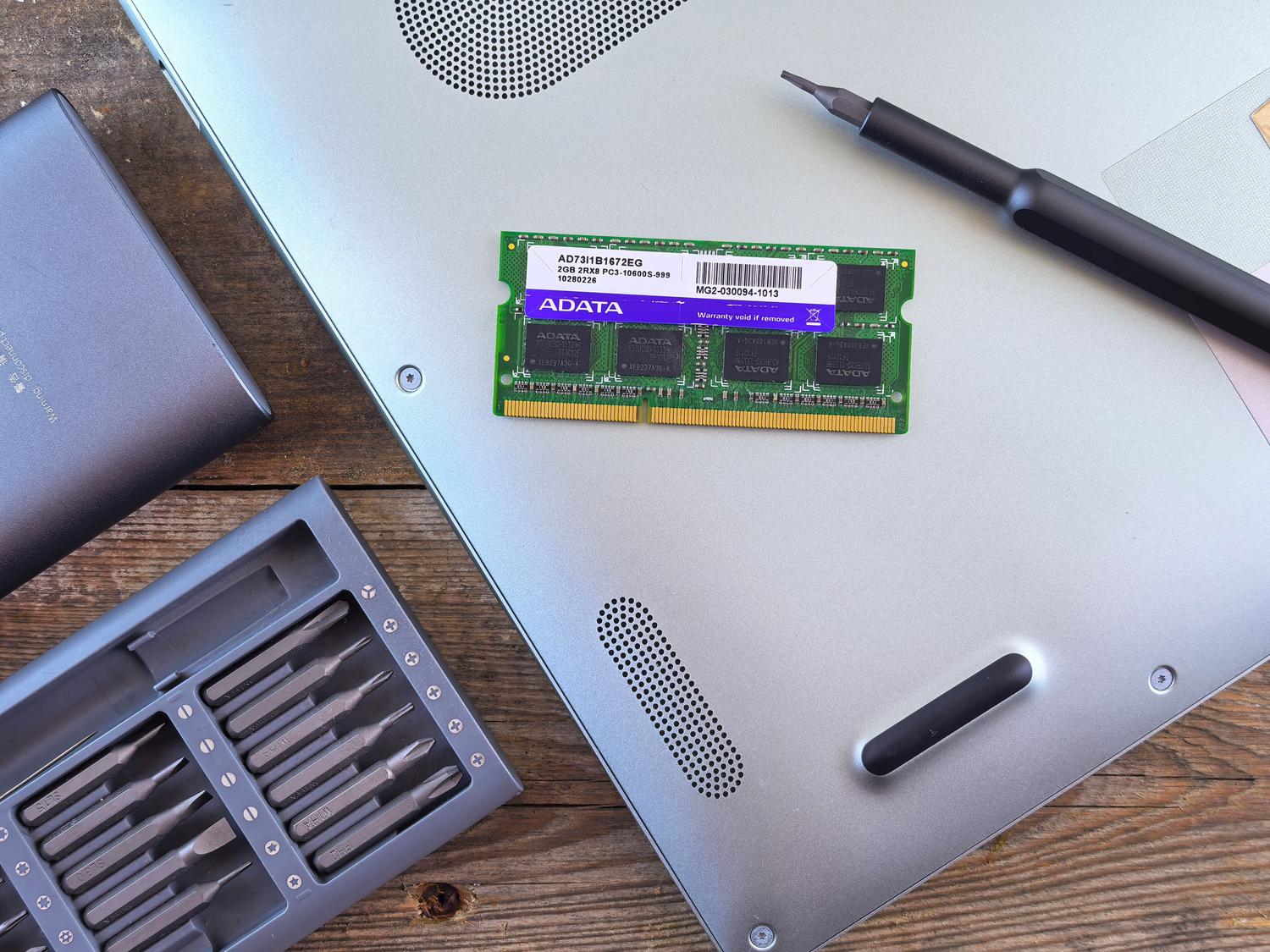
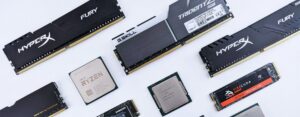
When software alone is no longer enough, it's time to upgrade the hardware. One of the most noticeable improvements is replacing the old hard drive with an SSD, which drastically reduces system loading times. Similarly, upgrading RAM is vital for those who do intensive multitasking or video editing, allowing the PC to handle more data simultaneously without slowing down.
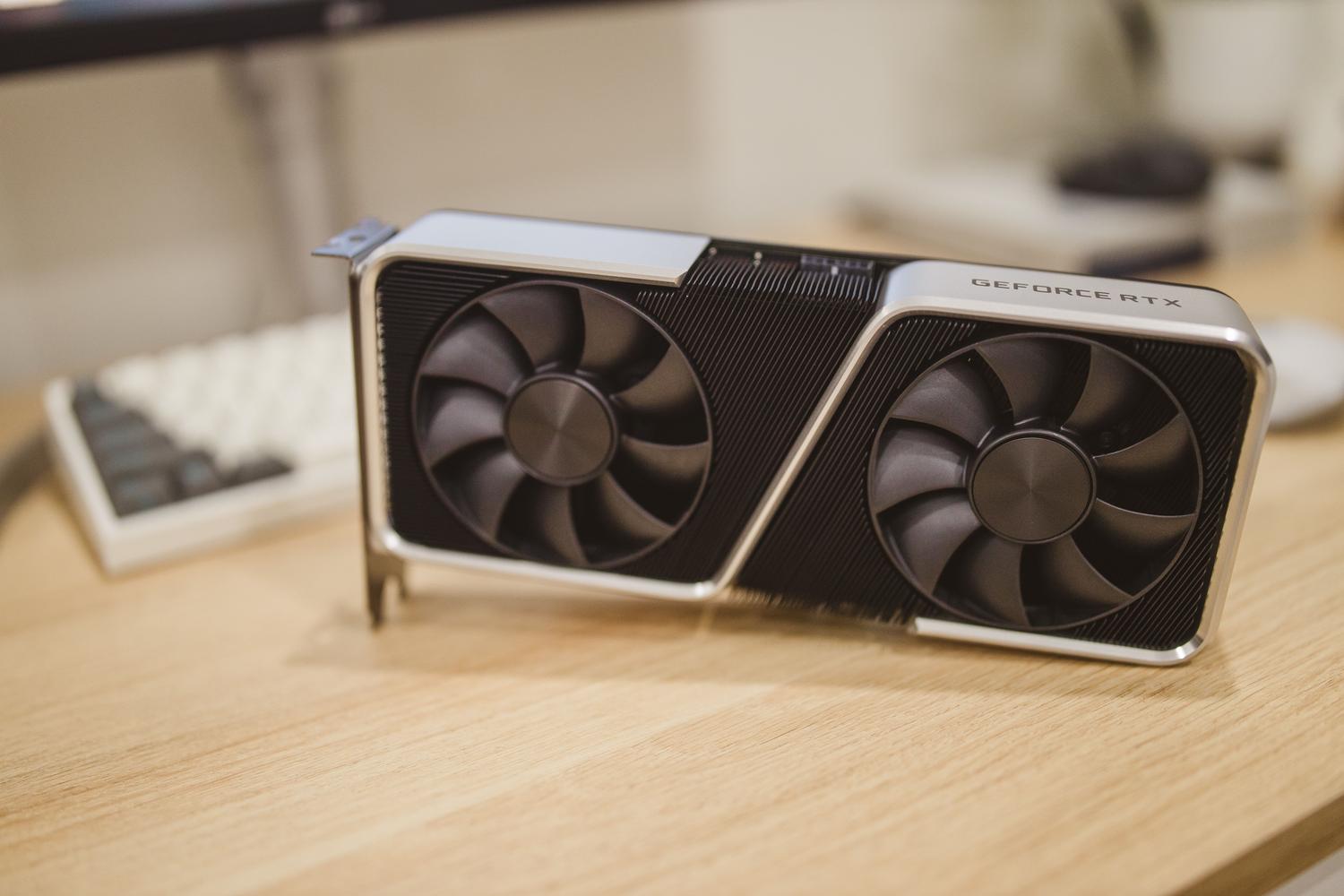
For gamers and content creators, the graphics card (GPU) is the key component . Upgrading the GPU allows you to run demanding 3D rendering applications or games with superior visual quality. It's also advisable to check that the power supply can handle the power consumption of these new components to avoid unexpected shutdowns.
Considerations when choosing a new device
If, after analyzing your PC, you decide it's reached the end of its life, the key is choosing a replacement that suits your needs. For professional environments, lines like ThinkPad or ThinkBook prioritize durability and security. If content creation is your thing, laptops with high-resolution screens and powerful processors, such as the Yoga or Legion series , are the best option.
Currently, the trend is the integration of Artificial Intelligence into hardware . The new Copilot+ PCs and AI-enabled devices allow for the local processing of complex tasks, improving efficiency in creative and programming workflows. Depending on whether you're a student, designer, or home user, there are customizable configurations that prevent you from paying for power you'll never use.
Essential accessories and complements
It's not all about the inside of the tower. Sometimes, upgrading the user experience involves the outside. A monitor with 4K or QHD resolution can completely change the way you work, especially if you opt for ultrawide models that replace two smaller screens. To improve ergonomics, using docking stations is ideal if you use a laptop as your primary computer.
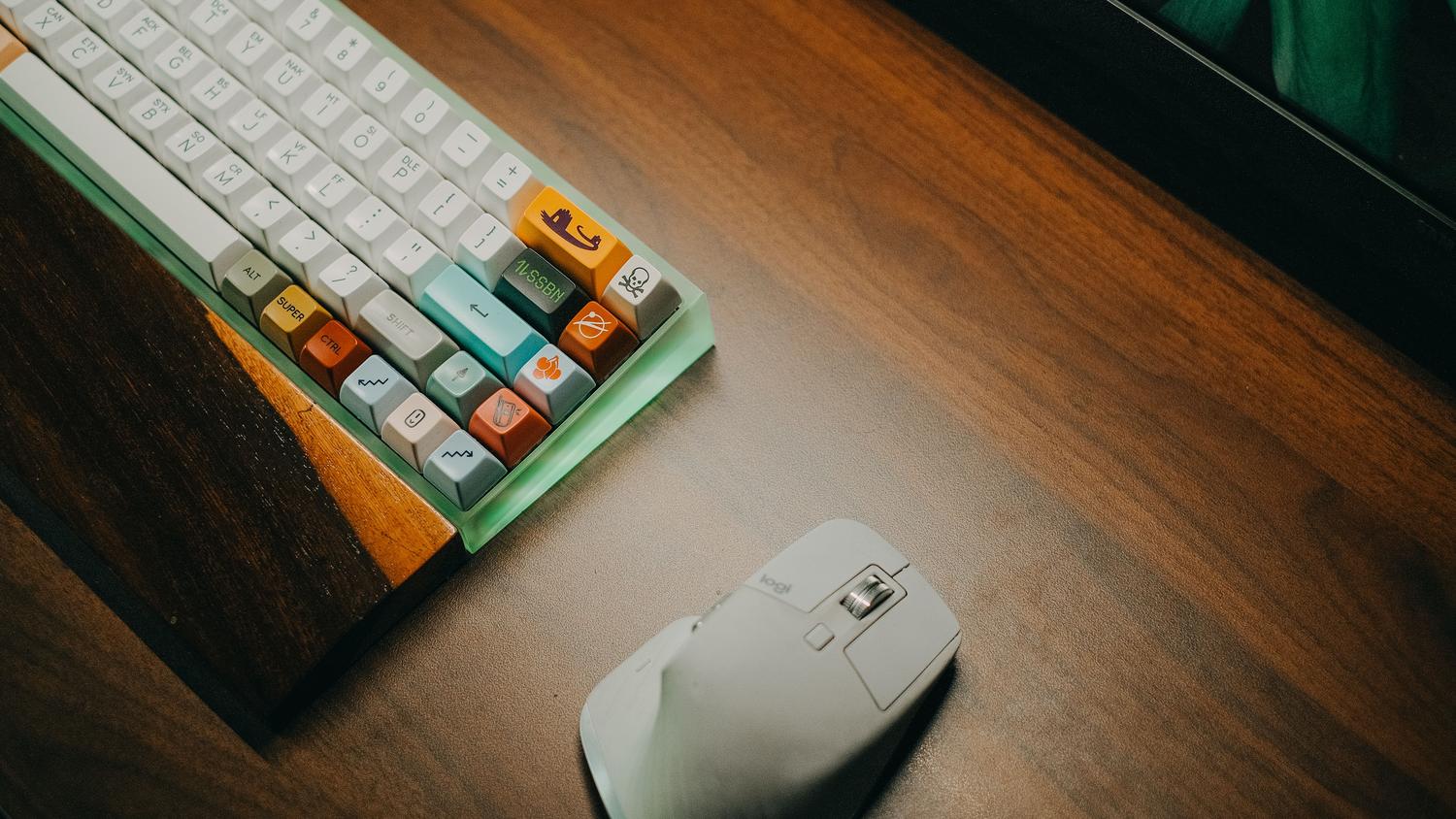
In terms of interaction, investing in a good mechanical keyboard or a high-precision mouse can boost productivity. Furthermore, for those who need portability, high-end tablets with integrated keyboards have become a viable alternative for light tasks, complementing the power of a desktop PC at home or in the office.
Having an optimized system requires a balance between clean, up-to-date software and hardware that doesn't create bottlenecks. Whether it's installing the latest Windows drivers, upgrading RAM, or upgrading to an AI-powered machine, the key is to tailor the technology to your actual needs to maximize the lifespan of your technology investment.
Table of Contents