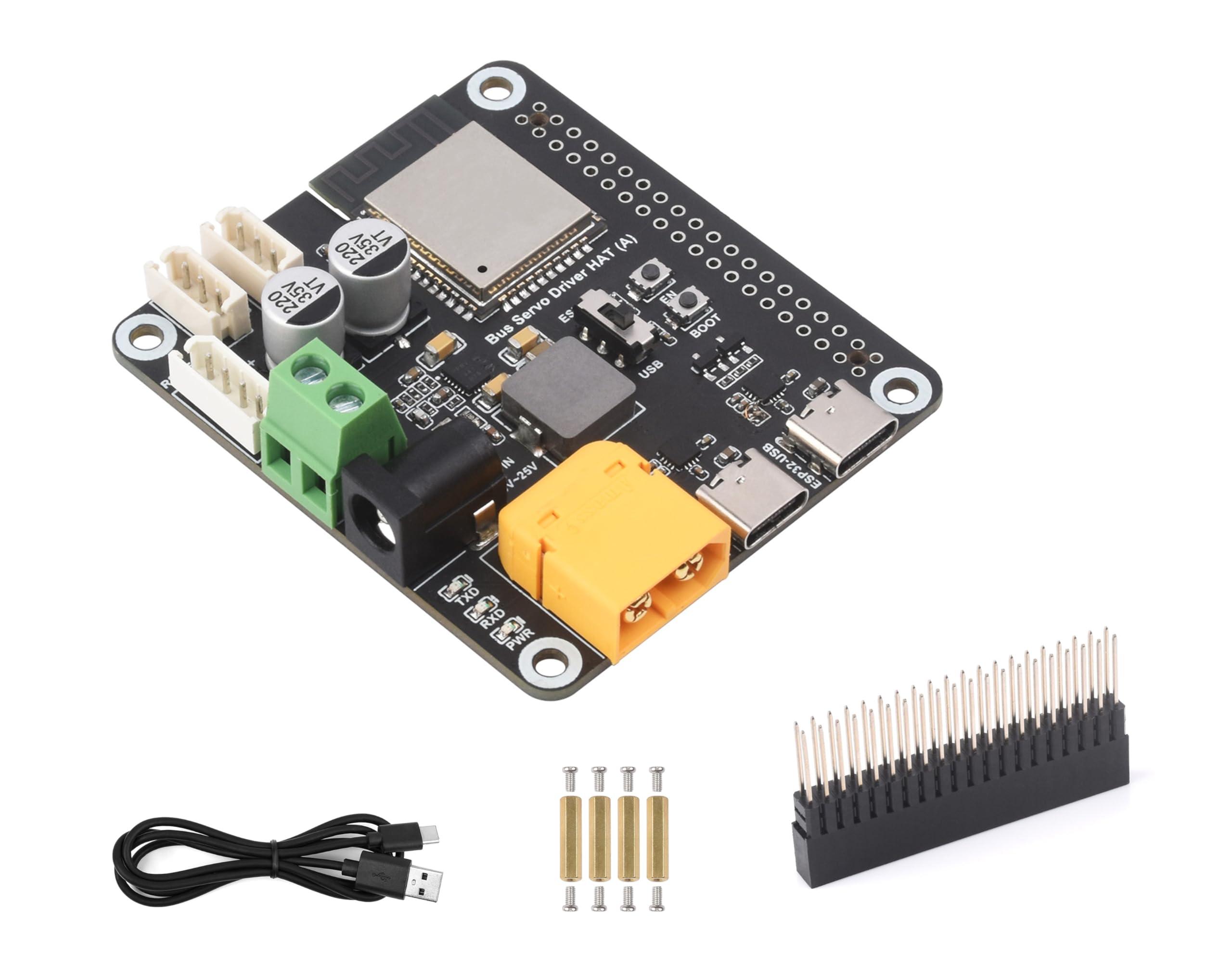
If you're into hardware and passionate about making your setup look its best, you've probably heard of the ESP32. These small boards have become the crown jewel of the maker community because they're cheap, powerful, and come with built-in WiFi, making them perfect for building projects that previously required much more expensive machines.
One of the most powerful trends right now is using these microcontrollers to create external monitoring stations . The idea is to move away from relying on floating windows on the monitor and instead have a physical panel that tells us, in real time, how the processor is performing or how much RAM we have left while we're playing games or working.
Advanced telemetry with ESP32-P4 and Python
There's a really cool project, published on Hackster.io, that uses the DFRobot FireBeetle ESP32-P4 board to build a telemetry console. The interesting thing here is that the PC doesn't just send data; it uses Python scripts with the psutil library to extract precise metrics from the operating system and package them in JSON format.
The workflow is quite ingenious: the computer sends the information through a USB serial port at 9600 baud . Although this may seem like an outdated speed, it's more than enough to transmit small data packets without saturating the link. The ESP32 receives this data and serves it through an internal web server.
To ensure a smooth experience, the system uses AJAX requests . This means that the webpage you open on your mobile phone or tablet updates automatically every five seconds without requiring a browser refresh, saving a significant amount of RAM on the microcontroller.
The use of the ESP32-P4 chip makes all the difference thanks to its 360 MHz RISC-V processor and support for WiFi channels and bands . This makes the dashboard much more stable and faster than if we were using classic Tensilica models, offering a near-instantaneous response on the local network.
Remote power control and energy management
It's not all about looking at graphs; sometimes what we need is to turn on the PC from bed or restart the machine if it's frozen. To achieve this without getting bogged down in complex circuitry, the ESP32 can be connected directly to the motherboard's front panel pins, allowing complete control of the PC.
Instead of using external power sources, the ESP32 can be powered via an internal USB connector on the motherboard. To control power-up, the GPIO pins are configured in open-drain mode , simulating a physical press of the Power or Reset button using time delays programmed in the code.
If you use tools like ESPHome and Home Assistant , you can create virtual buttons on your mobile device to perform a "short press" (normal power on) or a "long press" (forced power off). Additionally, you can monitor the PC's power LED status to see if the computer is actually on or off from anywhere in the house.
Wireless screen mirroring and streaming
For the more adventurous, it's possible to turn an ESP32 T-Display into a secondary mini-monitor that mirrors the computer screen. This isn't done by sending a complete video stream (which would be impossible due to bandwidth limitations), but rather through a technique called frame diffing.
The system captures the screen using Python and OpenCV, and only sends the pixels that have changed between frames. This drastically reduces the amount of data transmitted over Wi-Fi, allowing frame rates of between 5 and 60 FPS depending on screen activity and connection quality.
It is an ideal solution for those who want an IoT control panel or a tiny secondary screen where they can view the mouse cursor or critical system indicators without taking up space on the main desktop.
Technical fundamentals and development environment
To assemble any of these projects, it's essential to understand that the ESP32 is a versatile microcontroller developed by Espressif Systems. Its architecture, based on the Xtensa LX6 processor , allows for multitasking thanks to its dual core, while also being extremely energy efficient.
Regarding software, you have several options. The Arduino IDE is the easiest path for beginners due to its vast library of resources, similar to finding a guide for Arduino drivers . If you're looking for something more professional, ESP-IDF is the official framework and allows complete control over the FreeRTOS real-time operating system.
There are also options like MicroPython , which allows you to program interactively using the REPL loop, making it easier to debug errors on the fly without having to compile the code every time you make a minor change.
Expansion and customization possibilities
The journey doesn't end with a web panel. The architecture of these systems is so flexible that you could add GPU temperature sensors using tools like LibreHardwareMonitor and display alerts via RGB LEDs or compact OLED screens, even optimizing your PC's airflow.
Many enthusiasts on Reddit are creating designs with retro animations and CPU load graphs that look like they're straight out of a hacker movie. By delegating data collection to the PC and letting the ESP32 handle only the visual rendering, the system remains lightweight and stable.
The democratization of hardware, with modules costing less than 10 euros , has allowed desktop customization to go from being prohibitively expensive to an accessible hobby for anyone curious about electronics and open source.
The versatility of the ESP32 allows you to transform a simple development board into a powerful telemetry tool, a smart remote switch, or even a wireless display monitor, integrating Python and WiFi to optimize the management of any home computer.
Table of Contents