The new Linux Mint 22.2 “Zara” version is now available and arrives as a continuation update, but packed with useful changes for everyday use. It maintains Mint's classic approach and polishes details that are noticeable from the first boot.
Without fanfare, the project reinforces its technical and usability pillars: Ubuntu 24.04.3 LTS base, Linux kernel 6.14, updated themes, a more mature Wayland environment , and a good number of improvements to its XApps. All with the aim of offering a stable, practical, and consistent desktop environment.
Technical base, support and editions
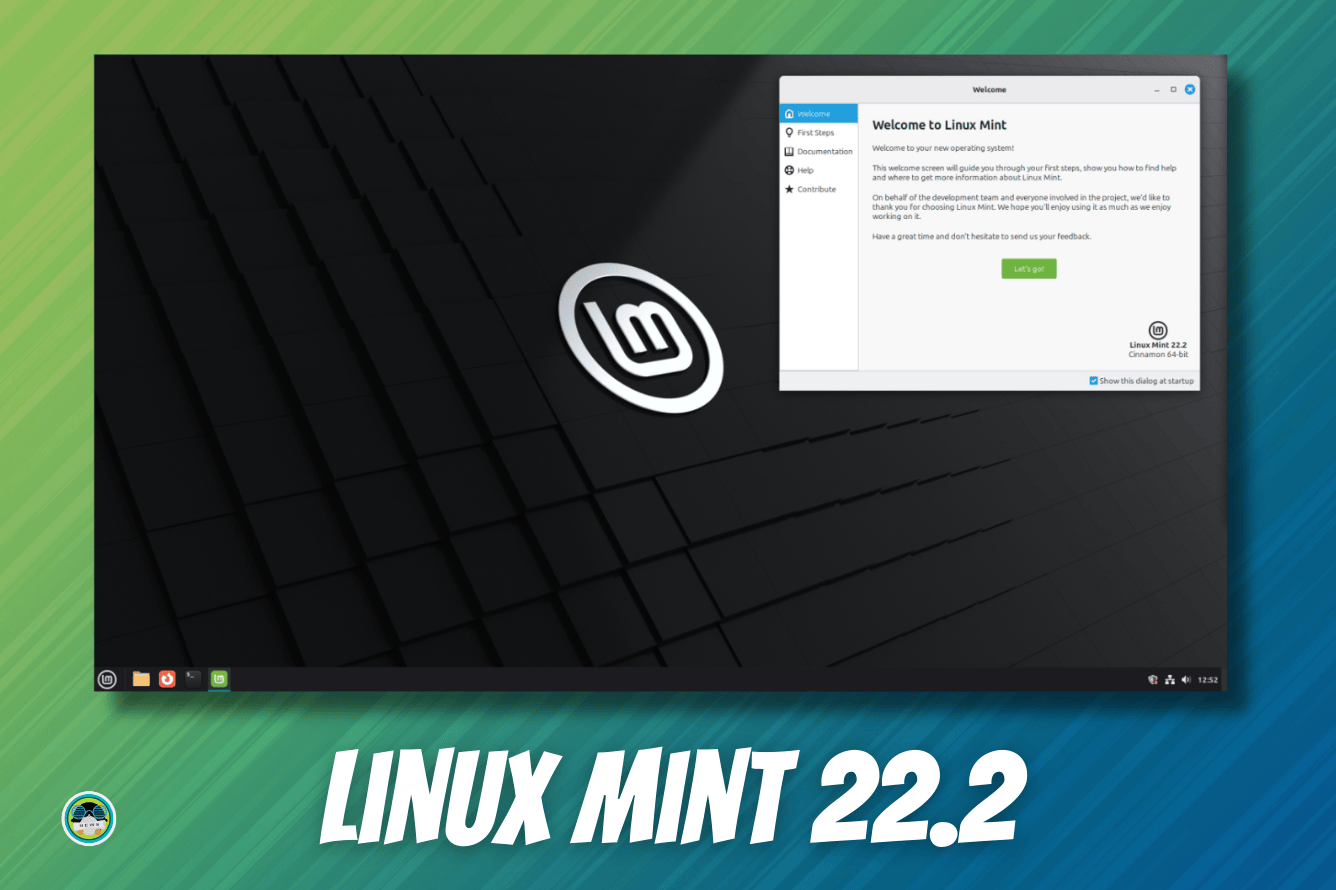
Mint 22.2 is based on Ubuntu 24.04.3 LTS (Noble) and updates key components such as the 6.14 kernel and the Mesa 25.0.7 graphics stack. This combination ensures broad compatibility with recent hardware and long-term stability.
The project confirms support until 2029 , with a simple upgrade path thanks to maintaining the same base until 2026. The usual editions are available: Cinnamon 6.4 , Xfce 4.18 and MATE 1.26, all with the same general new features.
On the kernel front, there are some interesting additions: performance improvements for AMD and Intel , AES encryption optimizations (gains in Zen 4/Zen 5), dynamic P-State management, and enhanced support for Intel Arc GPUs on Alder Lake and Raptor Lake platforms. AMD also adds Ryzen AI support via AMDXDNA for its NPU, among other adjustments.
The team has expanded libadwaita support to the Mint-Y, Mint-X, and Mint-L themes and created LibAdapta , a fork with theme support and extras. Several apps (Calendar, Document Scanner/Simple Scan, Baobab) have been adapted, and the XApp portal now exposes accent colors so Flatpak apps can inherit the GTK theme's hue. The Mint-Y theme has a less gray and slightly more bluish look for a more contemporary appearance.
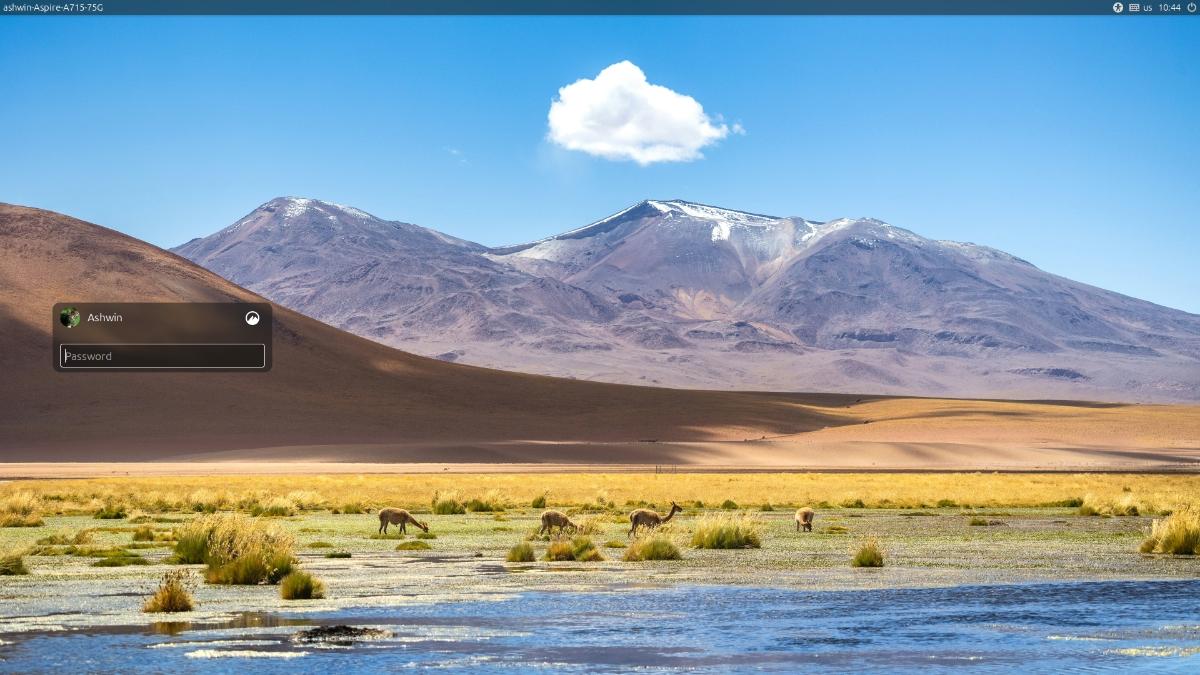
The login screen features a subtle blurring effect and avatar support. Additionally, the Wayland session in Cinnamon receives improvements to input methods and keyboard layouts, bringing the desktop experience closer to a more polished feel under this protocol.
Applications, security and user experience
The major new feature is Fingwit , a new XApp for managing fingerprint authentication. It allows you to unlock the screensaver, approve commands with sudo, and open administrative applications using the fingerprint reader. If there is no home directory encryption or key manager, it can also be integrated into the login screen . As always, support may vary depending on the hardware, and some specific cases may require adjustments.
The Hypnotix IPTV player introduces two new viewing modes: Theater (hides controls and menus to fill the window) and Borderless (no borders or title bar). Shortcuts: F6 for Theater and F7 for Borderless. It also features improved performance: faster startup, scalable searches for large playlists, smoother playback, no volume reset, and prevents the device from going into sleep mode during playback.
Sticky notes now have rounded corners and Wayland support. They can also be synced with Android using StyncyNotes , available on F-Droid and based on Syncthing for cross-device synchronization.
Warpinator , the local network file-sharing tool, now has an iOS version. The Software Manager has a redesigned welcome screen and includes a help button that explains the difference between system packages and Flatpak. The Update Manager now features a restart button when an update is available.
Other XApps and utilities also receive improvements: in Xviewer, EDID-based color correction becomes configurable (and is disabled by default); a new thumbnail generator for covers in .aiff files is included; the WebApp Manager allows editing the description; the renamer adds leading-zero numbering and control over the initial number and increment; and the MATE application menu improves search accuracy. There are also adjustments to Timeshift, Mint Drivers, and Mint Menu.
Download, mirrors and update
The ISO images are already available on the official mirrors and can be downloaded immediately. If you're already using Linux Mint 22 or 22.1, the upgrade is straightforward: open the Update Manager , go to Edit, and choose "Upgrade to Linux Mint 22.2 Zara." Beforehand, it's advisable to run "sudo apt update && sudo apt full-upgrade" to ensure your system is up to date.
If the option doesn't appear, verify that you have the mint-upgrade-info package 1.2.9 or higher and try changing the server in Software Sources (packages arrive first at the primary server packages.linuxmint.com, and mirrors can take some time to synchronize). In some cases, a different mirror will activate the upgrade path immediately.
Additional notes
The team indicates that the new features of Linux Mint 22.2 will also come to LMDE with the release of LMDE 7 “Gigi” . The official documentation (announcement, new features, and release notes) details changes, known issues, and installation instructions.
A continuation of the previous version that consolidates the essentials: modern support, biometric authentication , visual consistency with libadwaita/LibAdapta, and performance and usability improvements in key software. Mint continues to refine its offering without disrupting the experience so many users value.
Table of Contents