
Motorola continues to take firm steps in updating its devices to
The Android 17 beta for Motorola brings a significant interface redesign and new features that enhance the user experience. Key changes include a revamped control panel , smoother animations, and the addition of Live Updates , a dynamic update interface similar to those found on other operating systems. Below, we review the compatible models and the main new features offered by this update.

Models that can already test Android 17
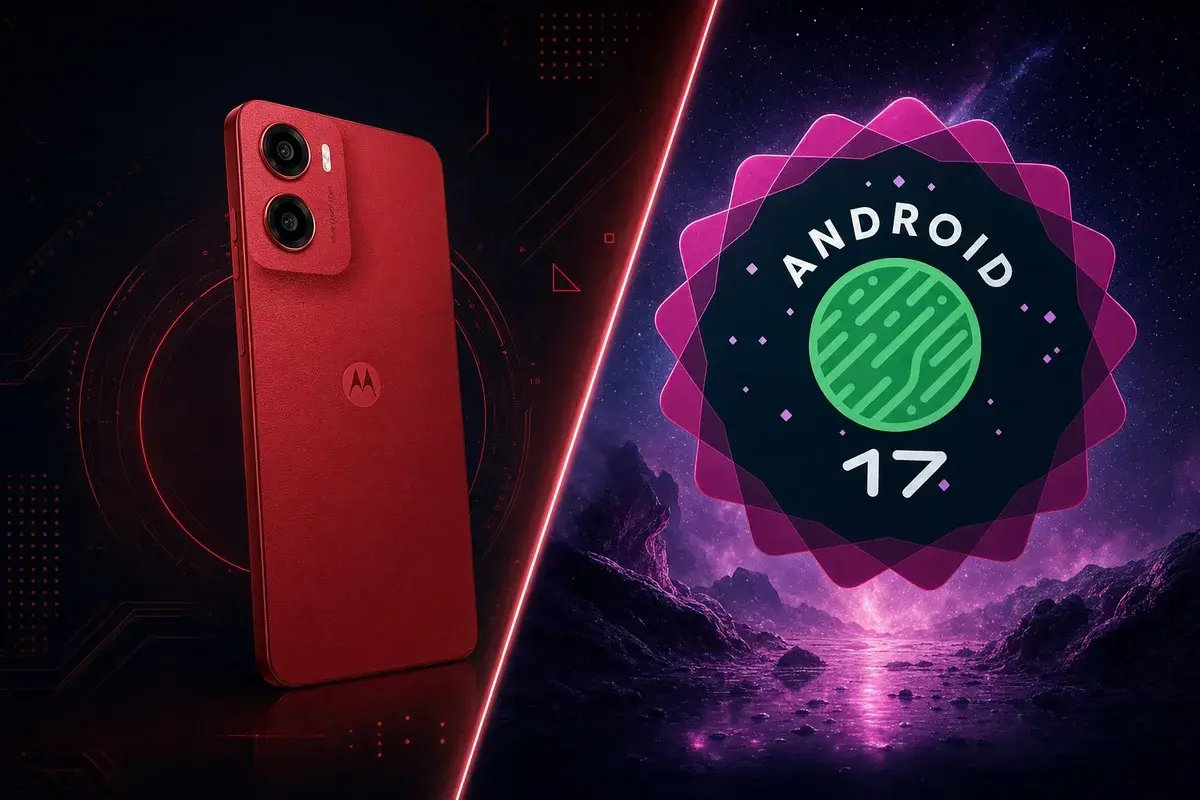
As confirmed by Motorola on its official forums , the following devices can apply for a spot in the Android 17 beta. The list includes both high-end and mid-range models, and some are limited to specific regions such as EMEA (Europe, Middle East and Africa) or India.
- Motorola Razr 70 Plus (EMEA region)
- Motorola Razr+ 2026
- Motorola Pro Edge 70 (India, EMEA, LATAM)
- Motorola Edge 70 Plus (EMEA)
- Motorola Edge 70 Neo (India)
- Moto G Power 2026
- Moto G Power 2025
- Moto G 2026
- Moto G 2025
- Moto G Play 2026
These models join those that have been receiving the beta for several weeks, such as the Motorola Signature , the G57 Power, and the Edge 70. The company has been expanding the program in waves, and more devices are expected to be added in the coming weeks.

What's new in Android 17 on Motorola

The Android 17 update on Motorola phones introduces several visual and functional changes. One of the most striking is the redesigned control panel , which now displays rounded cards for managing Wi-Fi, mobile data, focus modes, and the Dolby Atmos audio profile, all with a single tap. Separate sliders for brightness and volume have also been added.
The animations for opening and closing apps have been optimized for a smoother experience, and the status bar has been redesigned with new icons for signal strength, mobile network, and battery. Another notable feature is Live Updates , a dynamic island that appears when using apps like Spotify, allowing you to control playback without leaving the current app.
The volume mixer has also been revamped, making it easier to adjust different audio sources independently. These changes, along with faster menu navigation, make the overall experience more responsive and customizable.
How to sign up for the beta
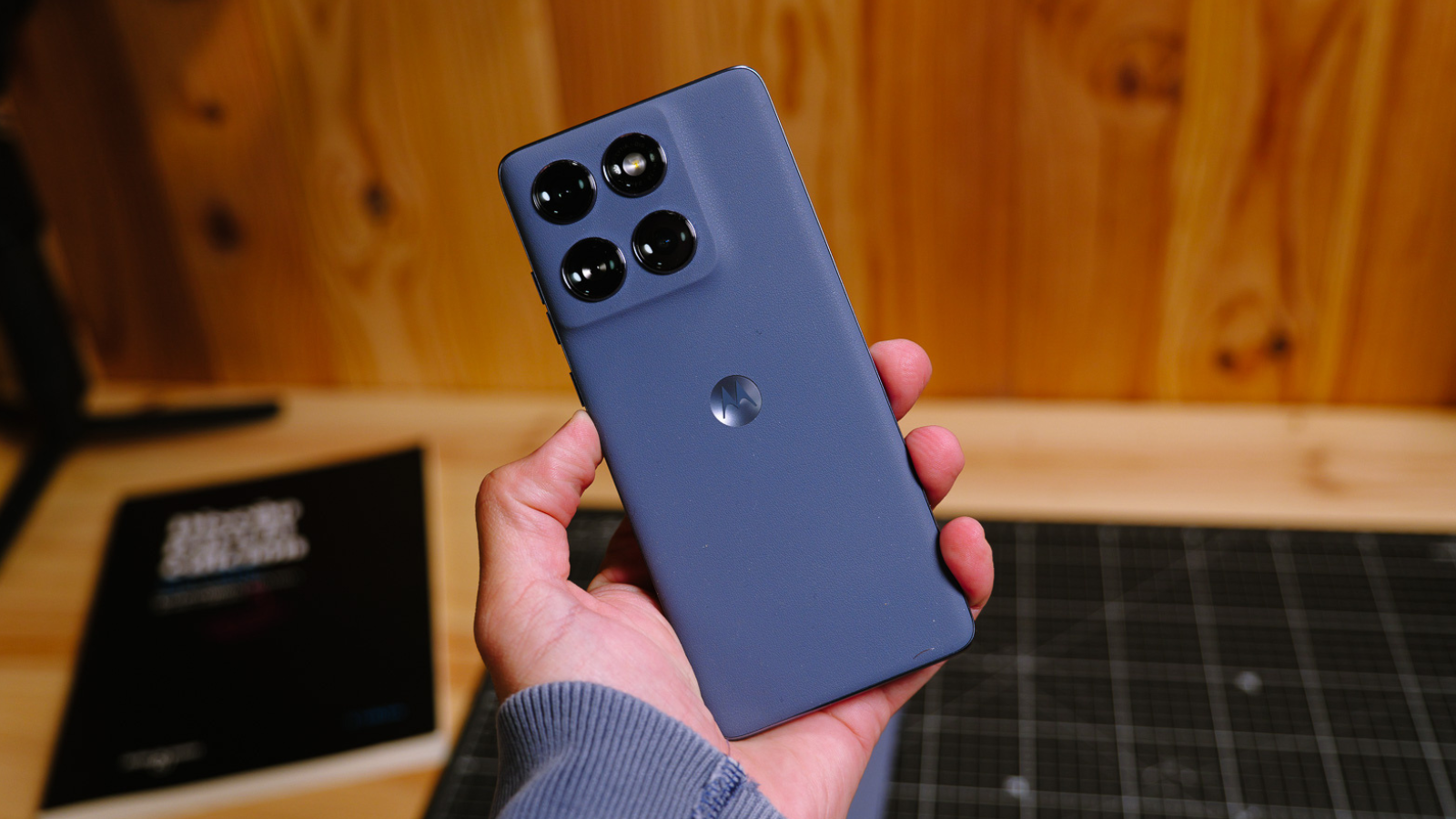
To participate in the Android 17 beta, users must enable the MFN/beta testing option in their device settings and request a spot through the official Motorola forums. The process isn't immediate: the company reviews applications, and not everyone who applies gets in the first round. Spots are limited, so it's recommended to register as soon as your model appears on the list.
With this extension, Motorola demonstrates its commitment to updating its devices, offering users the opportunity to experience Android 17 before its official release. Those interested should keep an eye on the community forums to avoid missing the opportunity to sign up.
Table of Contents