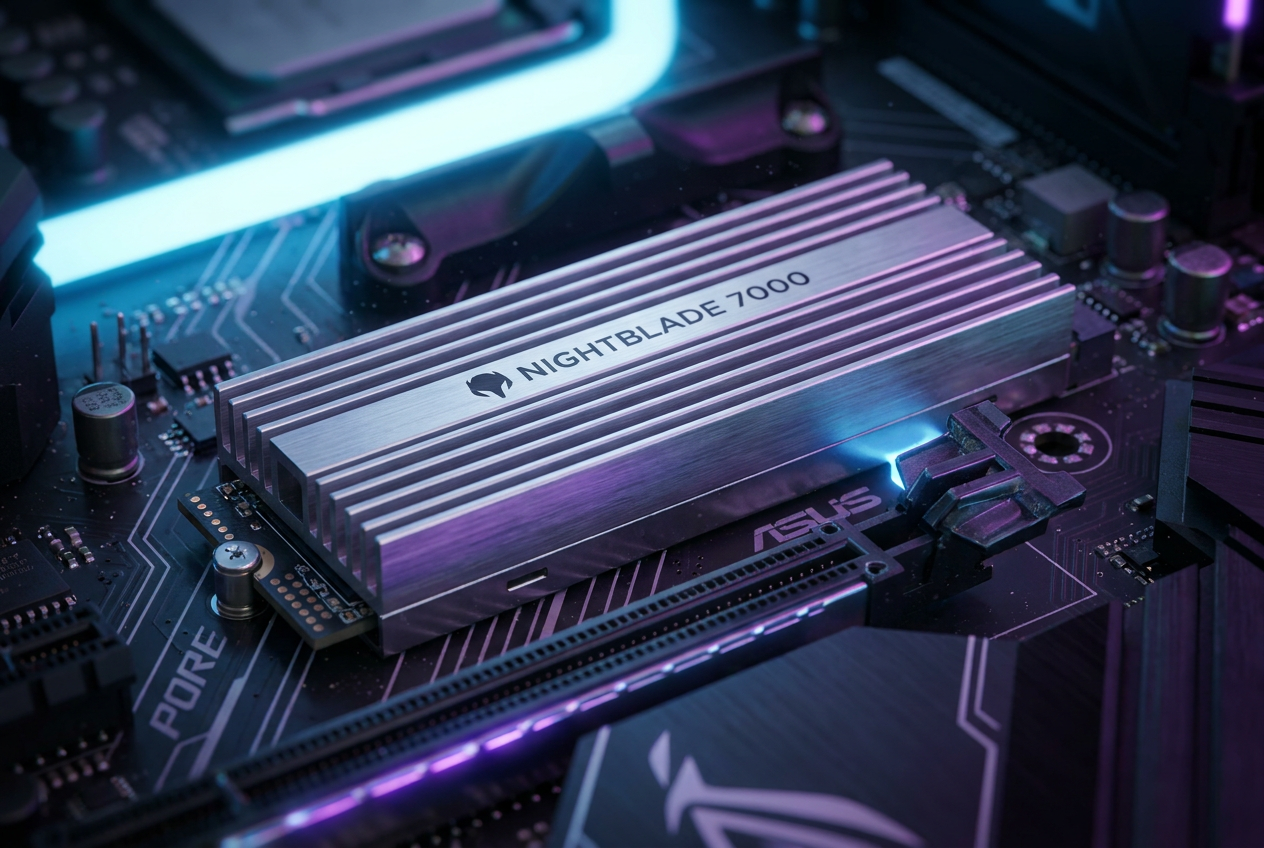
NVMe SSDs have made an impressive leap in recent times, leaving us speechless with their transfer speeds. However, it's not all good news, as this increase in performance has brought with it a considerable rise in power consumption and, consequently, in the temperature these components reach during operation.
When looking for a PCIe 4.0 SSD, many people wonder why some models come with a heatsink and others don't, especially considering they're among the components that generate the most heat inside a PC case . It seems somewhat contradictory that, being such temperamental components, not all of them are sold with a factory-installed thermal solution.
Why is the use of heat sinks recommended?
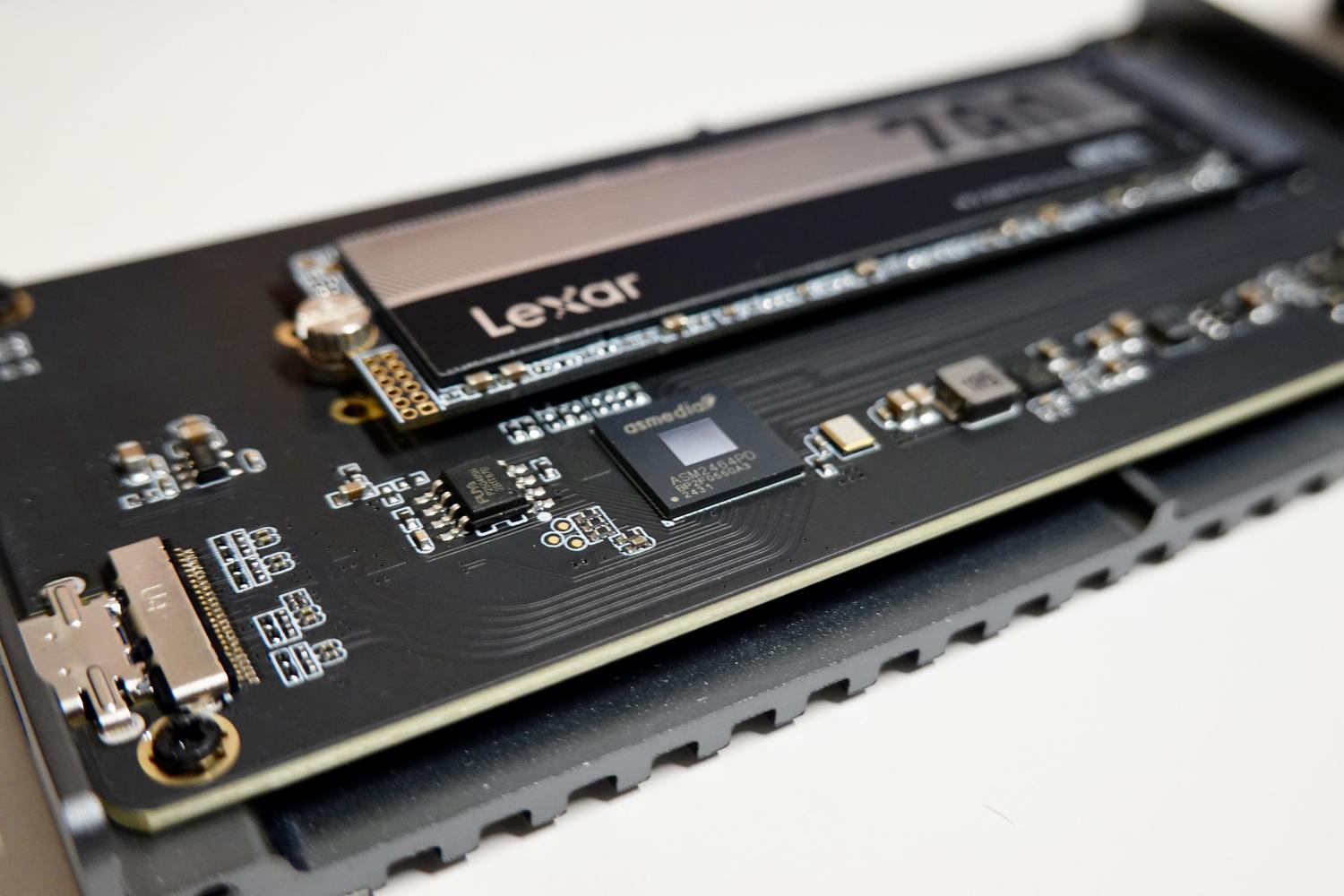
To understand this, it's important to know that it's not just the processor or RAM that consumes energy; simply moving data across the bandwidth also generates heat. The more information flows and the faster it does so, the higher the temperature rises. Therefore, there comes a point where a heatsink is essential to prevent the component from overheating.
Although most of these drives are sold "bare," adding a heatsink is a very smart move to mitigate the heat they emit. This is crucial because not everyone has a massive gaming tower with enviable airflow. In more modest systems, such as gaming laptops or compact PCs, the SSD controller can activate thermal throttling , reducing transfer speeds to prevent overheating, which leaves the system running at half capacity.
The dilemma of laptops and compact systems
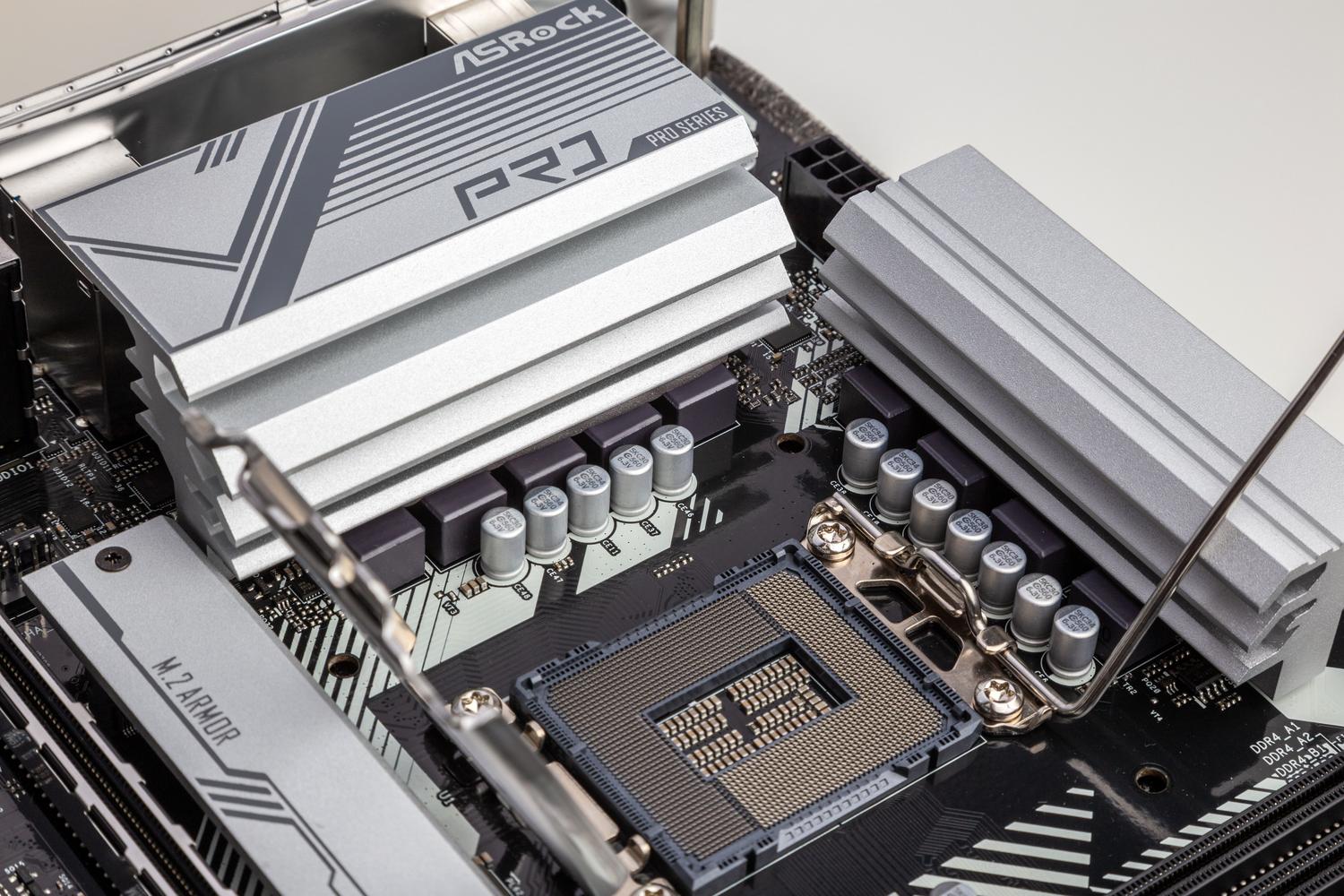
When it comes to gaming laptops or consoles like the PS5, we hit a wall: space. The engineers who design these devices are obsessed with making the chassis as thin and streamlined as possible , which leaves very little room to fit a bulky heatsink over the M.2 slot.
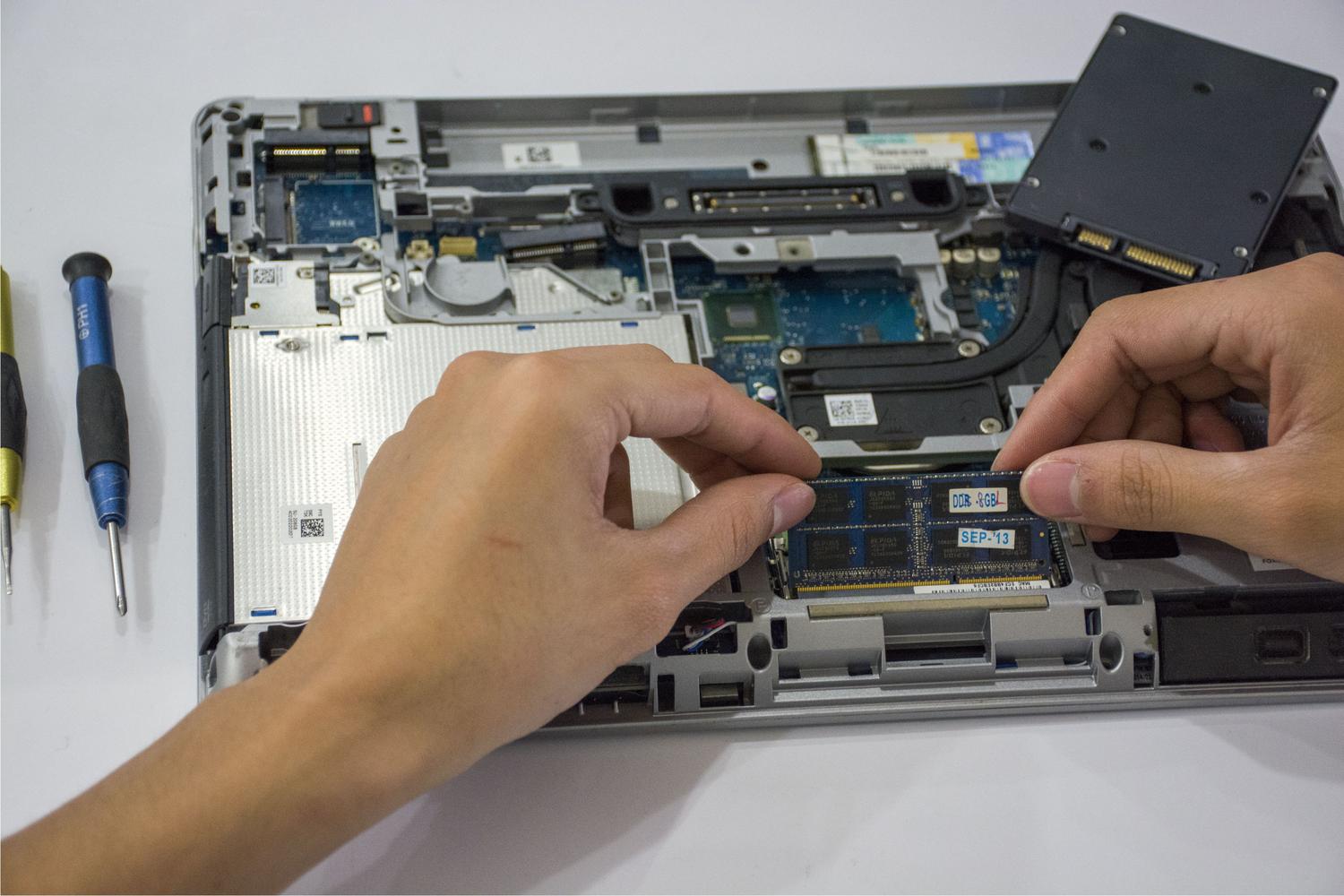
Furthermore, there is no universal standard for the design of these heatsinks. Without a fixed standard, laptop manufacturers don't always include space for them. Moreover, this is also a business opportunity; by not including them as standard, brands can sell the heatsinks as a separate accessory , making a profit by splitting the product into two parts.
The future of the PCIe interface
Because the PCI Express interface is forward-compatible, each new generation tends to demand more power. While some may currently be able to install an NVMe SSD without additional cooling, it will eventually become mandatory , especially in systems with poor airflow, such as laptops.
Given that heat is the number one enemy of performance, it's vital to monitor your storage temperatures to prevent speed drops. Opting for a thermal solution, whether integrated or purchased separately, ensures that your hardware always operates at its maximum capacity, regardless of whether you're using a gaming tower or a smaller system.
Table of Contents