If you're getting into the world of industrial automation, you've probably already come across CODESYS . This development environment is essentially the most widespread standard for programming under the IEC 61131-3 standard , and best of all, you don't have to spend a penny on the development system license. It's an incredibly powerful tool, but before you start installing it, it's a good idea to check your computer to avoid your PC freezing right when you're at the most interesting part of the project.
To be honest, the software is quite flexible, but there's a big difference between using it for a few exercises and setting up a complex control system with visualizations and simulations. Depending on whether you're using a physical PLC or turning your own PC into a controller with a SoftPLC , the resources you need will vary. So, to avoid any surprises, let's break down which hardware is ideal for working smoothly and without stress.
Official technical requirements and recommendations
Looking at the manufacturer's specifications, the recommended values are a 2,5 GHz processor , 8 GB of RAM , and 12 GB of free hard drive space. However, it's important to clarify that these numbers aren't an insurmountable barrier, but rather a guideline. Any office laptop you bought a couple of years ago easily meets these requirements , so there's no need to spend a fortune on a top-of-the-line machine.
The operating system: Where to install it?
Here's a key point: the development environment (IDE) is an application specifically designed for Windows , and versions 10 and 11 are compatible as long as they are updated. However, if you prefer macOS or Linux , don't worry, there's a solution, although it requires an extra step. You'll have to use a virtual machine to run Windows, which means your computer will have to work twice as hard, consuming more CPU and RAM to run two systems simultaneously.
Detailed analysis of PC components
- Processor: You don't need a NASA processor. With a Intel Core i5 or a Ryzen 5 For modern systems, you'll have more than enough. However, if your projects are huge, having more cores will help. compilation and loading so that the application is much faster.
- RAM: Although some manuals say that 4 GB is enough, in reality 8 GB is the logical starting point. If you plan to run the IDE and the SoftPLC simultaneouslyOr if you work with virtual machines, my advice is to skip directly to the 16 GB of RAM to avoid pulling.
- Storage: The initial 12 GB will quickly become insufficient because you'll start adding libraries, device packages, and add-ons. Furthermore, if you install the CODESYS Control Win SLIt calculates a couple more gigabytes. The most important thing here is to use a SSD diskbecause the difference in startup speed and project opening compared to a mechanical disk is enormous.
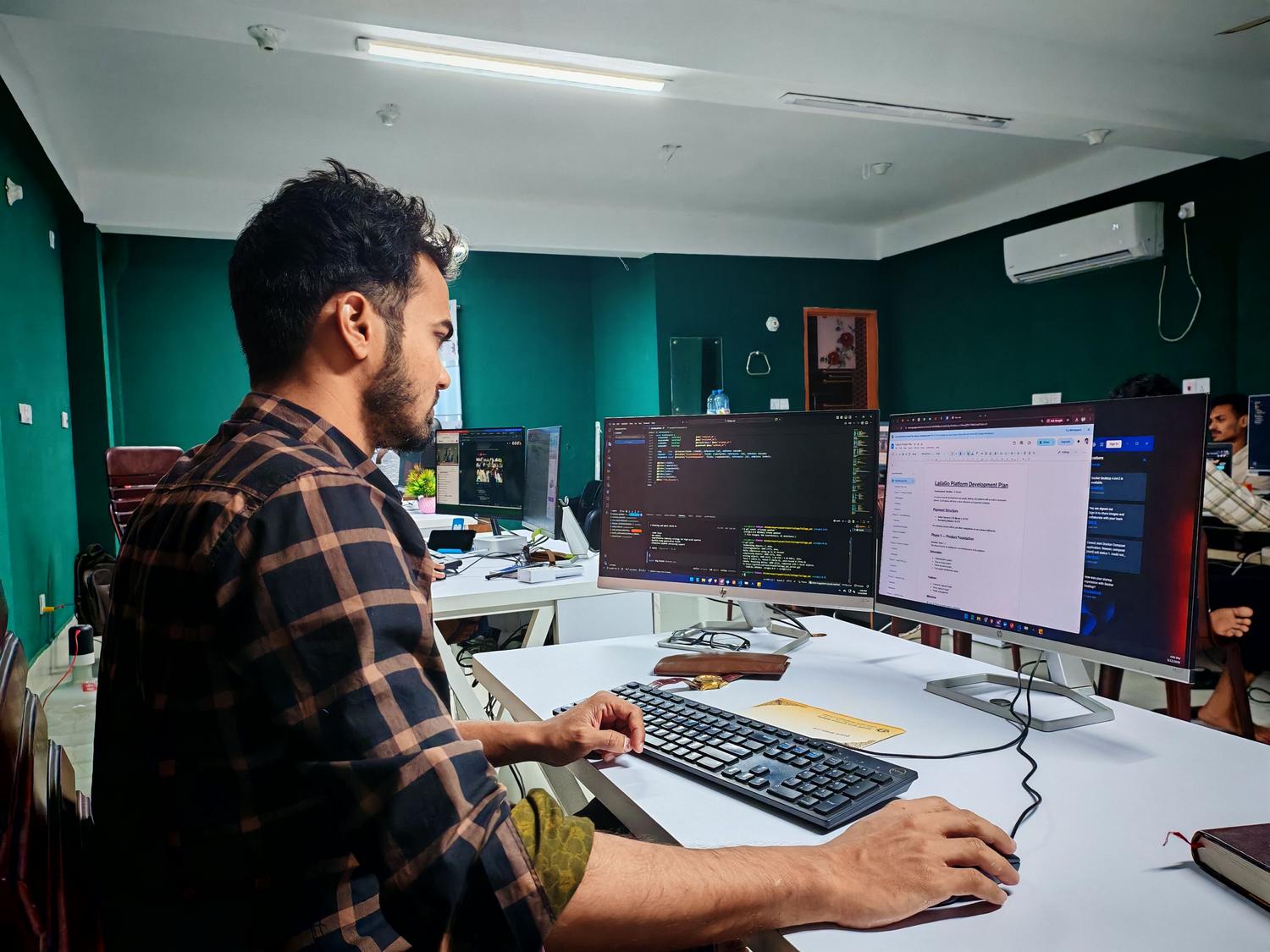
- Screen and Vision: We sometimes forget this, but programming on a small screen is torture. Between the project tree and the message windows, a monitor Full HD It's the bare minimum to avoid going crazy, and if you have a second monitor, the debugging bugs It becomes much simpler.
- Connectivity: To communicate with real PLCs, you absolutely need a Ethernet portIf your laptop is one of the modern models that doesn't have a port, buy a USB-to-Ethernet adapter. Depending on the hardware you use, you might also need other options. USB or serial ports for initial setup.
Use cases according to user profile
For someone just starting out and working on small projects , a computer with 8 GB of RAM and a 256 GB SSD is more than enough to run the IDE and simulator. If you're already working in a typical professional environment , handling medium to large projects and many plugins, it's ideal to upgrade to 16 GB of RAM and a 512 GB SSD. Finally, if you're working with virtualization on Mac or Linux , don't go below 16 GB, as you need to reserve a generous portion of the resources to ensure the virtual machine doesn't run too slowly.
Understanding the CODESYS ecosystem and the SoftPLC
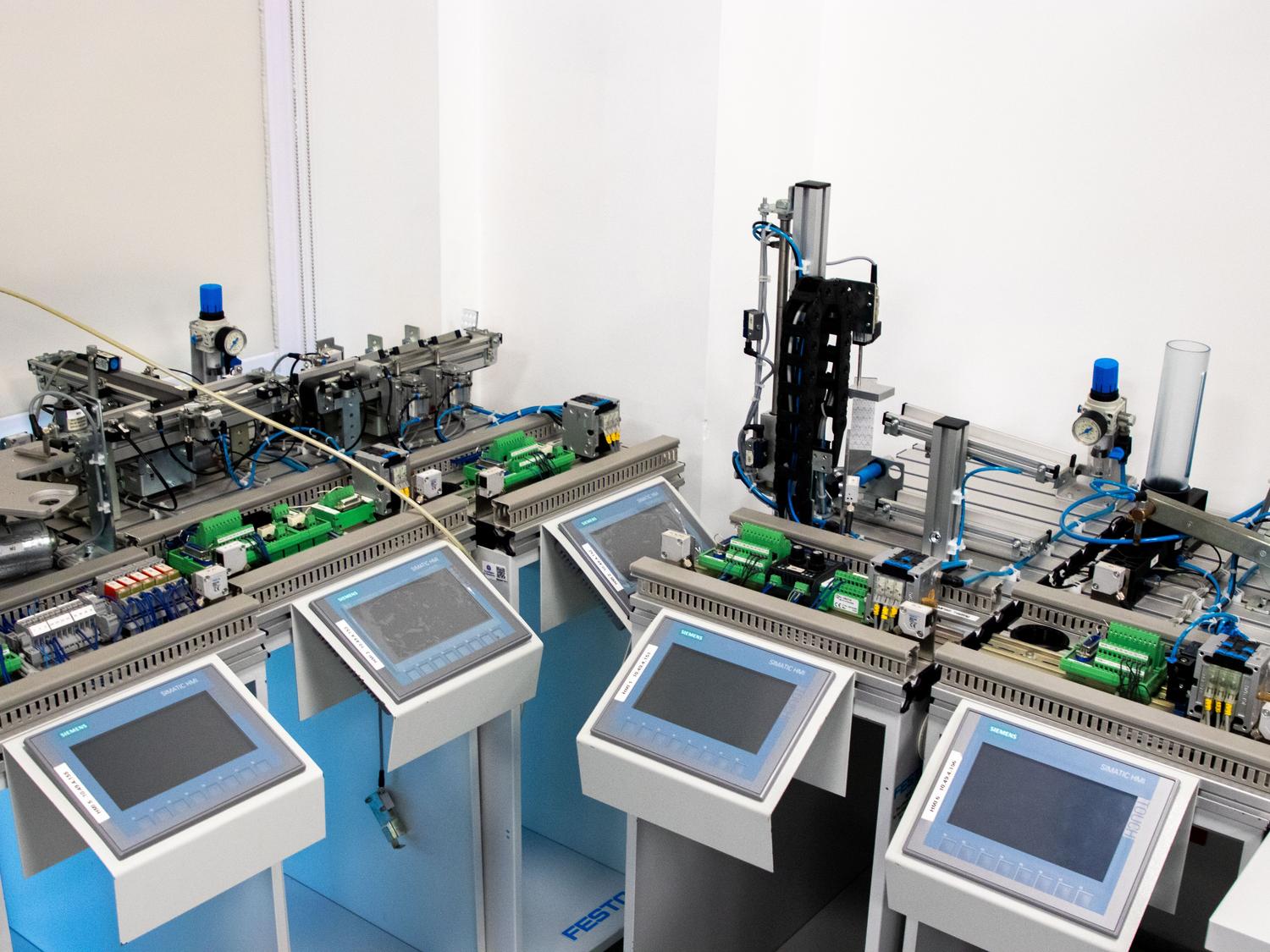
It's crucial to understand that CODESYS is not just a text editor, but a highly versatile Soft-PLC development environment . Its greatest strength is the Runtime system, which allows you to transform any industrial PC or even a Raspberry Pi into an industrial controller fully compliant with the IEC 61131-3 standard. This means you can program using languages like ST (Structured Text) , LD (Ladder Logic), SFC, or FBD, adapting to your preferences or the specific requirements of your project.
There are very powerful implementations, such as those from SENECA, that integrate CODESYS 2.3 with high-performance hardware to ensure maximum reliability in complex systems. These solutions allow you to leverage the power of Windows CE and optimize setup times with additional tools that simplify the configuration of I/O and converters . Furthermore, CODESYS stands out for its ability to integrate with various industrial networks and support VPN-IoT , making it ideal for Industry 4.0.
Finally, always remember to verify the exact version you're installing, as service packs (like V3.5 SP21) can slightly adjust the requirements. Don't forget to check the device packages from each manufacturer, as some may require additional resources. Ultimately, with a standard Windows PC, 8 GB of RAM, and an SSD, you're well on your way to getting started, leaving the 16 GB of RAM and an extra monitor for when the complexity of your automations demands it.
Table of Contents